AI website builder + editor

I don’t build websites anymore. I talk to them.

Pick a design. Tell WEB4 what to change. Preview and publish your website—without coding.

Get Founding Access — $49

$49 one-time access · 1,000 starter AI credits.

Additional AI usage and optional managed hosting are separate.

Pick from hundreds of finished designs.

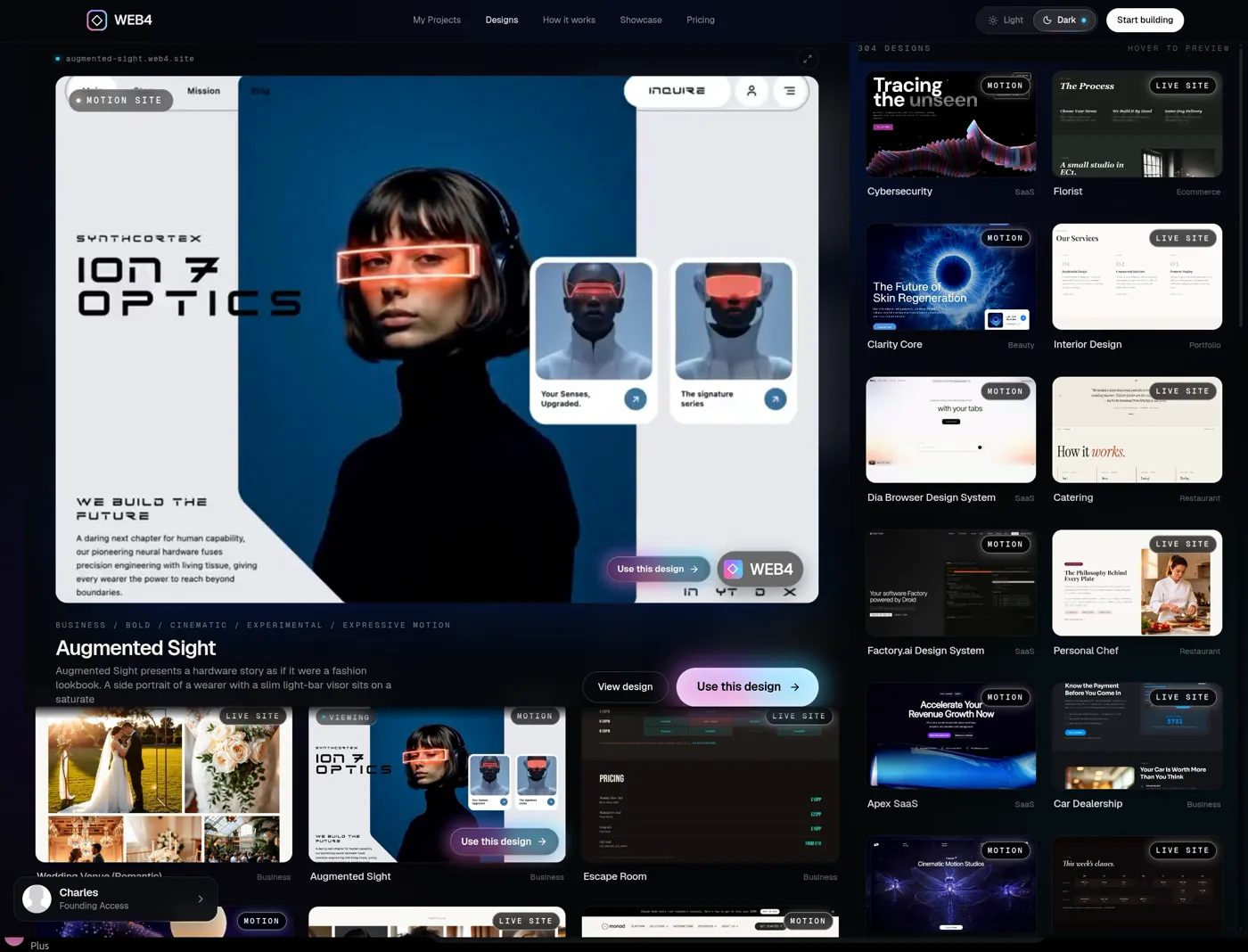
The WEB4 designs browser

Recorded in WEB4

More than500+ TemplatesIncluded.

Build Unlimited Sites, Start from Any Template.Full animation, AI, GSAP, ThreeJS. 1-Time Payment.

See the whole flow

One conversation. A website you can keep changing.

Watch a design become a custom website—and keep its changes after saving, reopening and publishing.

Pick · Talk · Publish

How WEB4 works

Pick a design. Talk to it. Publish it.

Start with a look you love. Make it yours in plain language. Everything below is a real recording.

  1. Pick your starting point.

    01

    Pick your starting point.

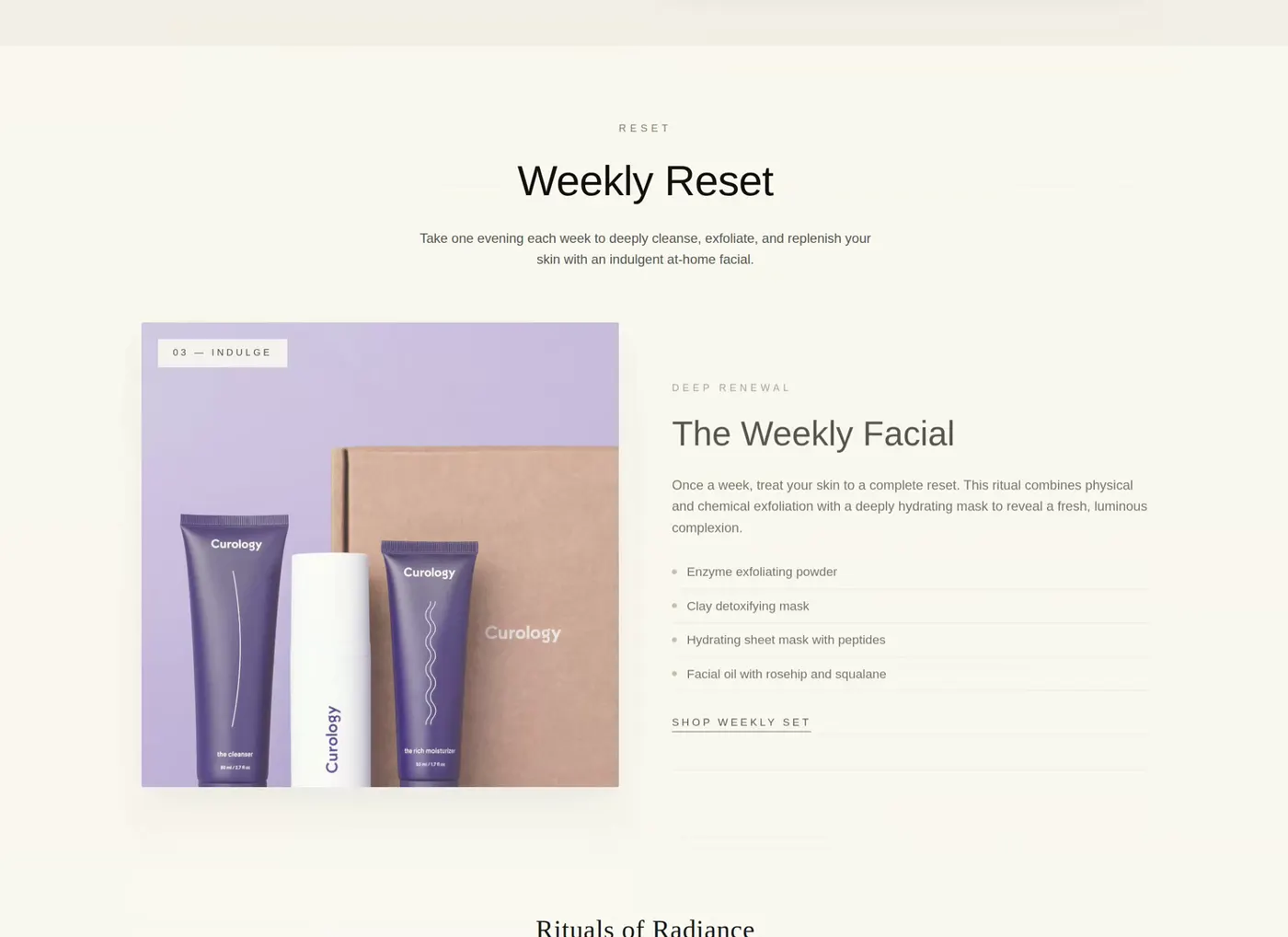
    Browse hundreds of finished designs. Preview them in motion, then start from the one that fits your business.

  2. Say what you want.

    ›Add an animated interactive gallery here.

    02

    Say what you want.

    Ask for new sections, different words, images or colors. WEB4 changes the real site while you watch.

  3. yourbrand.getweb4.com
    Put it online.

    03

    Put it online.

    Preview your website, then publish when you're ready. Connect your own domain or export the files.

Published doesn’t mean finished.

See what you can change ↓

01Talk to it

Say it. Watch your website change. 

This isn’t a mockup. It’s a recording of WEB4 editing a real website — new sections, new copy, whole new pages — from a sentence.

01 / 03

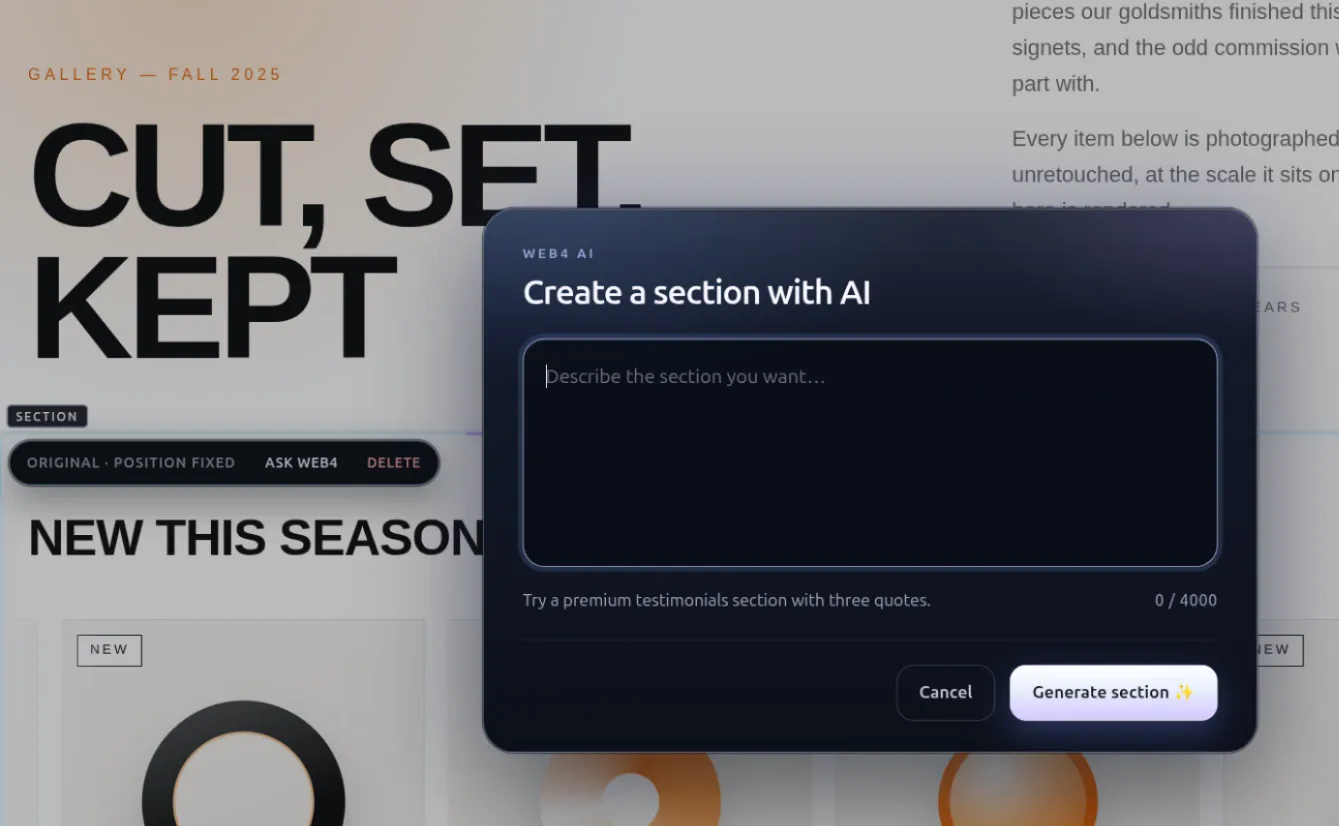
Ask for a section.

Describe what you want in plain language. WEB4 designs a rich, animated section and drops it into your real page, between the sections you already have.
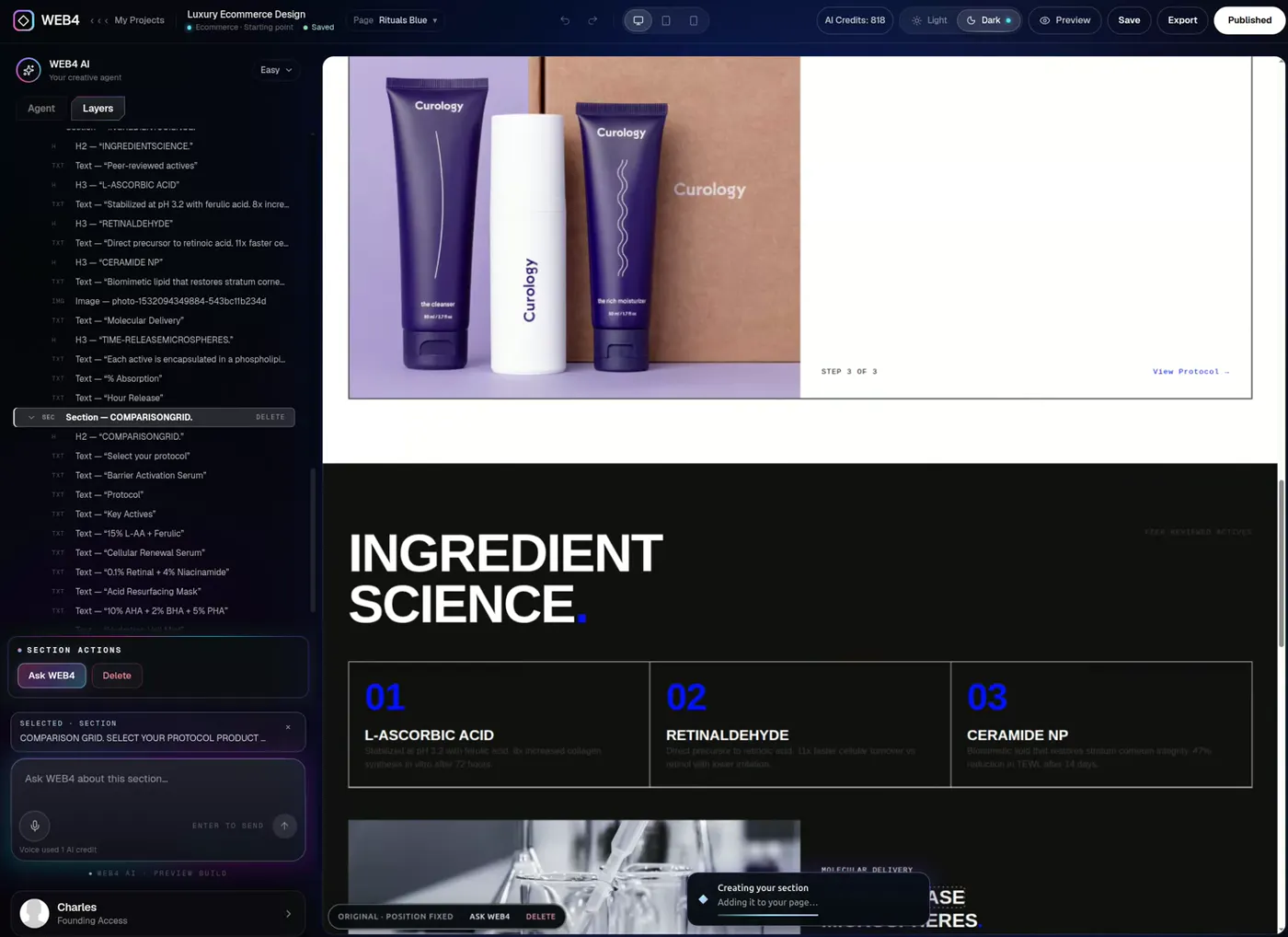
Prompt: “Add an animated interactive gallery here.”
Recorded in WEB4 · Prompt: “Add an animated interactive gallery here.”
02 / 03

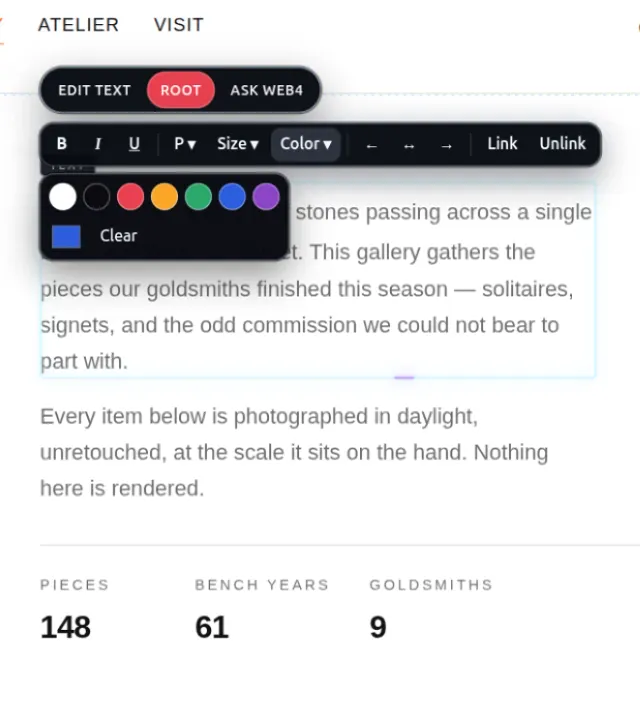
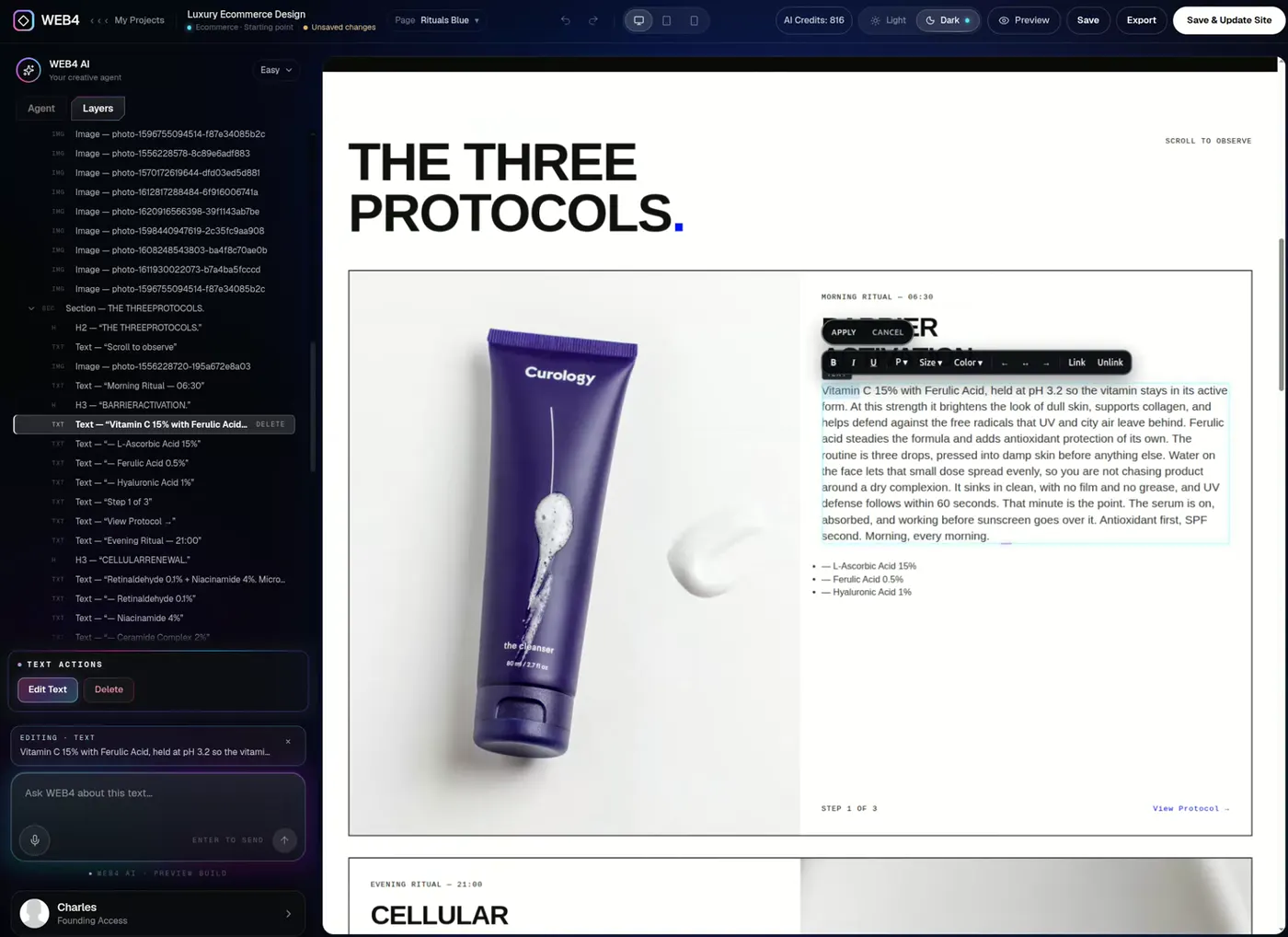
Rewrite anything, in place.

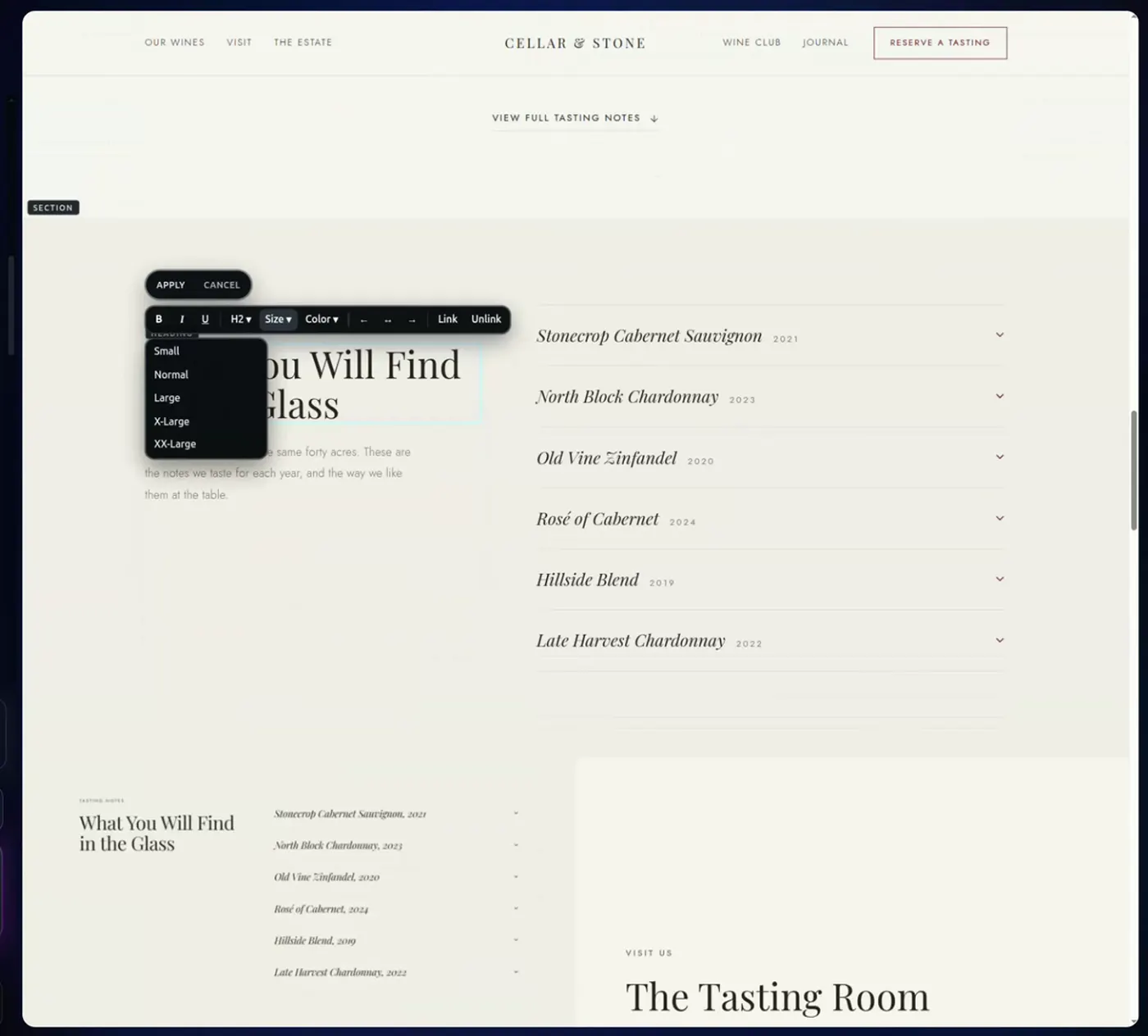
Click a headline and type, or tell WEB4 what the copy should say. Edits land on the live canvas, not in a chat window.

Inline text editing on a live site

Recorded in WEB4 · Inline text editing on a live site

03 / 03

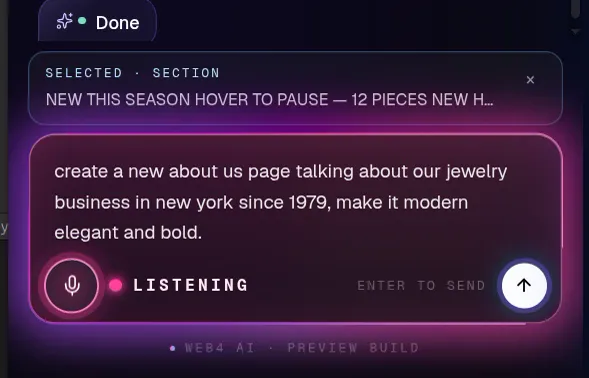
Generate a whole page.

Say it or type it. A complete, designed page appears, matched to the site you already have, and linked into your navigation.

Voice or text prompt → a new page

Recorded in WEB4 · Voice or text prompt → a new page

Start building

02Control

Click anything. Change everything. 

The most powerful UI editor of 2026

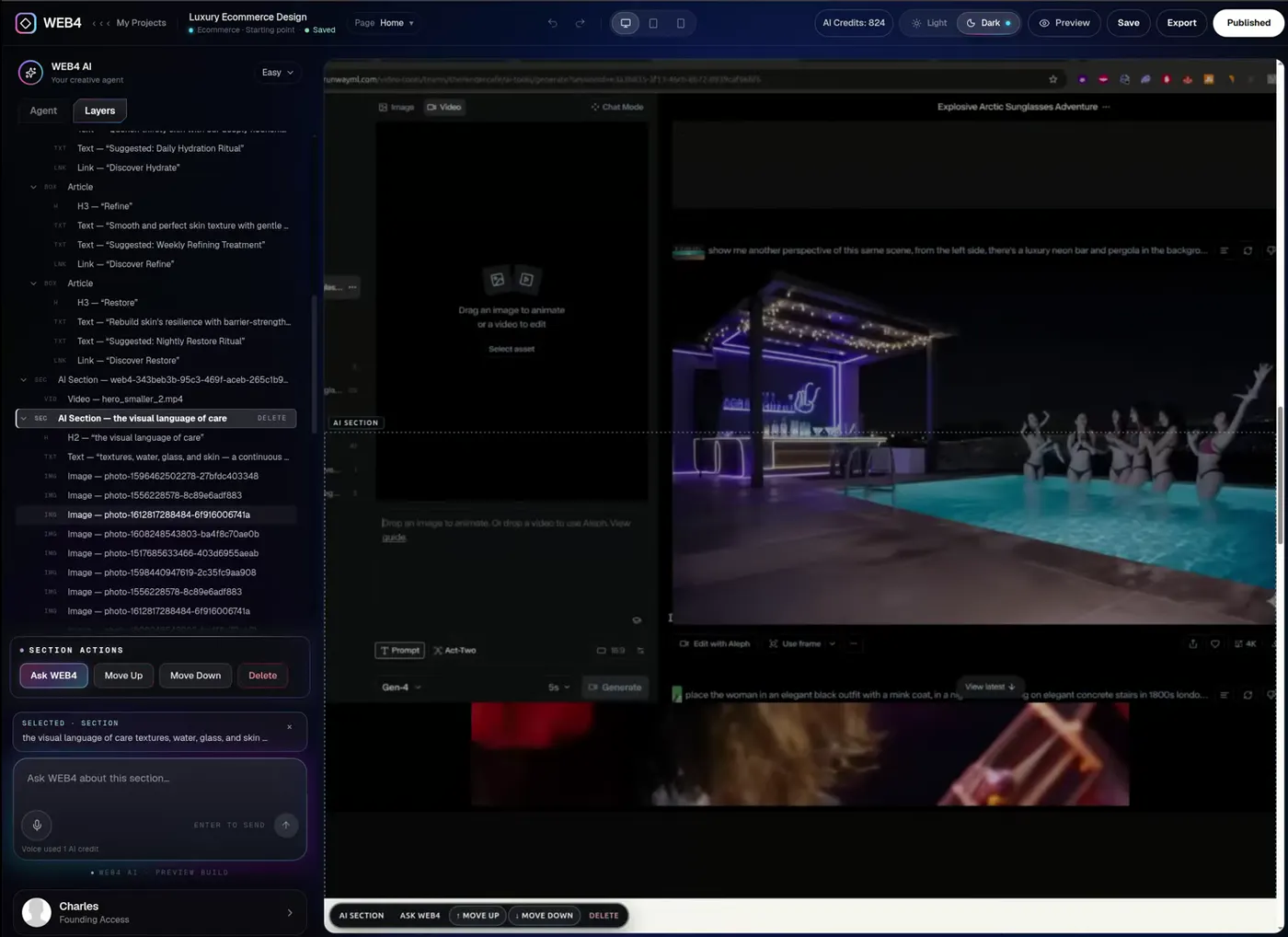
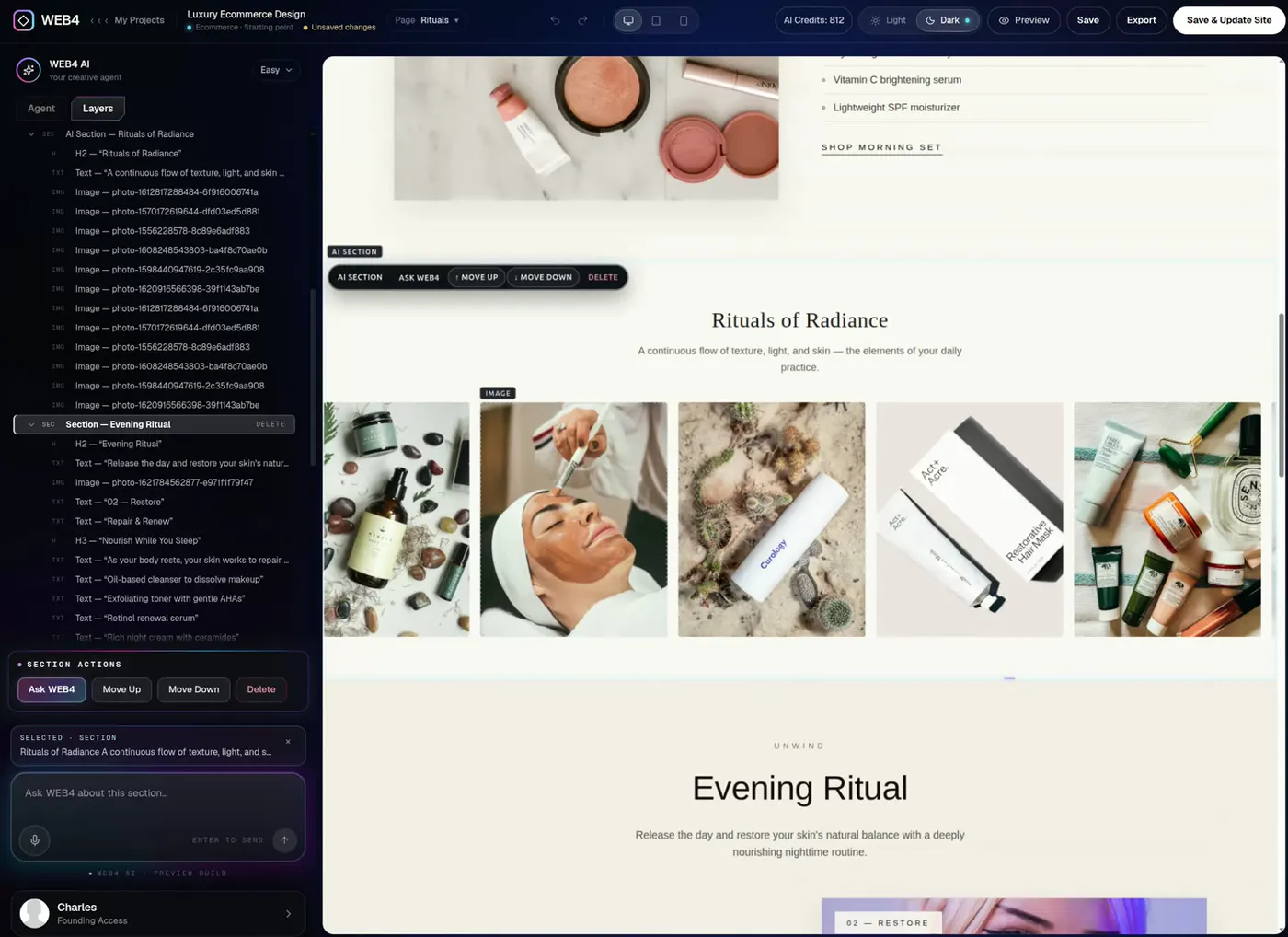
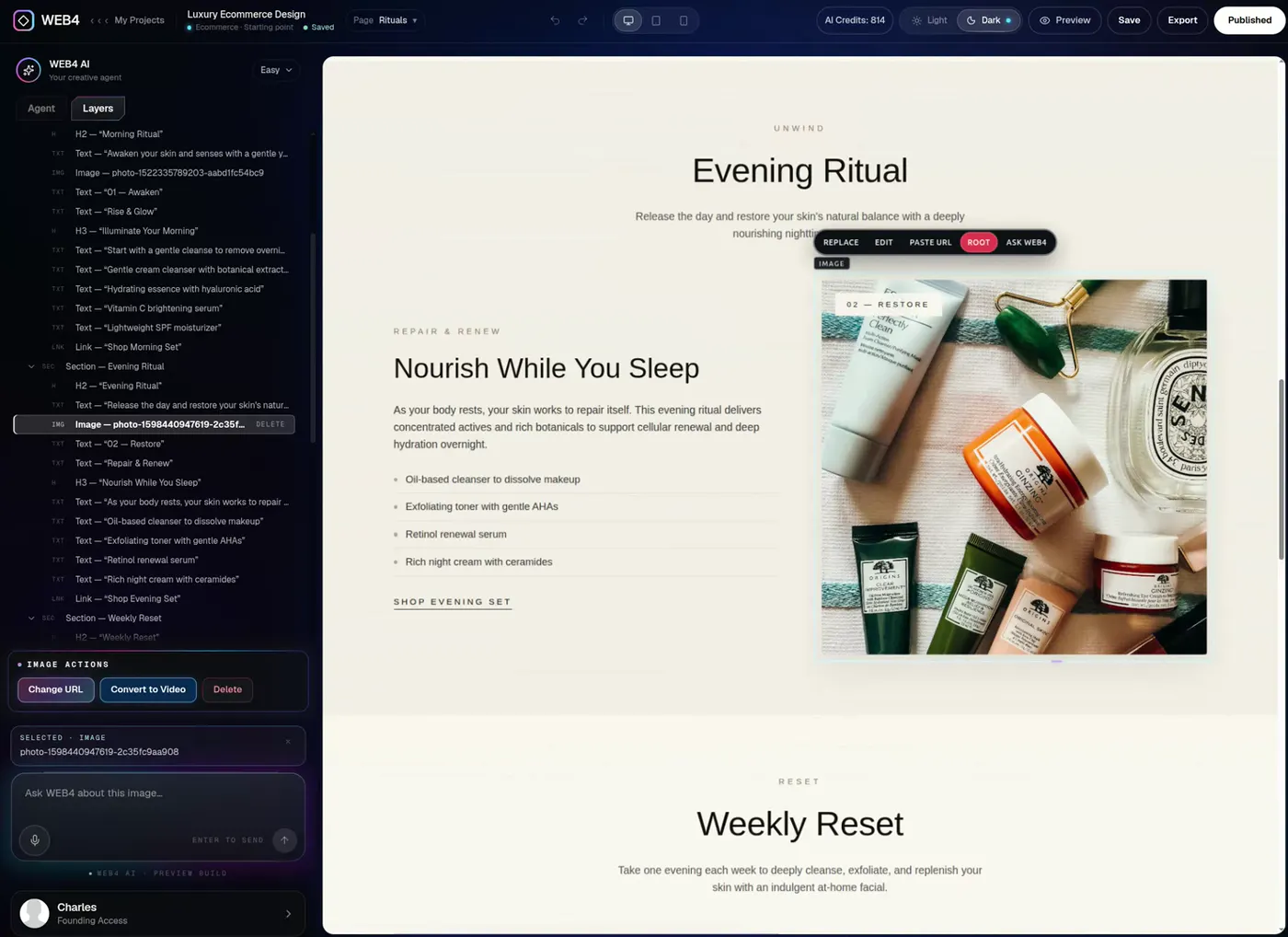
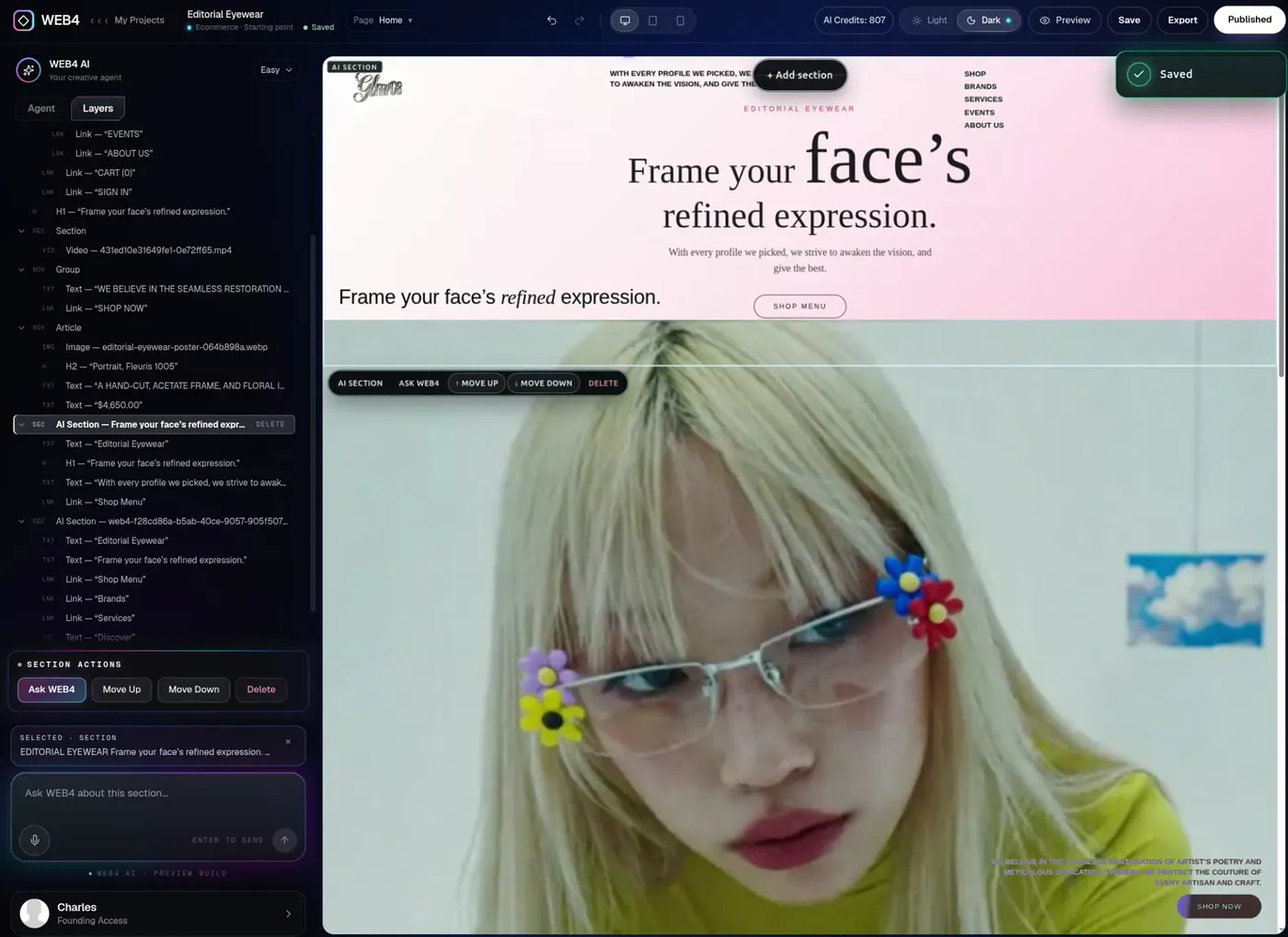
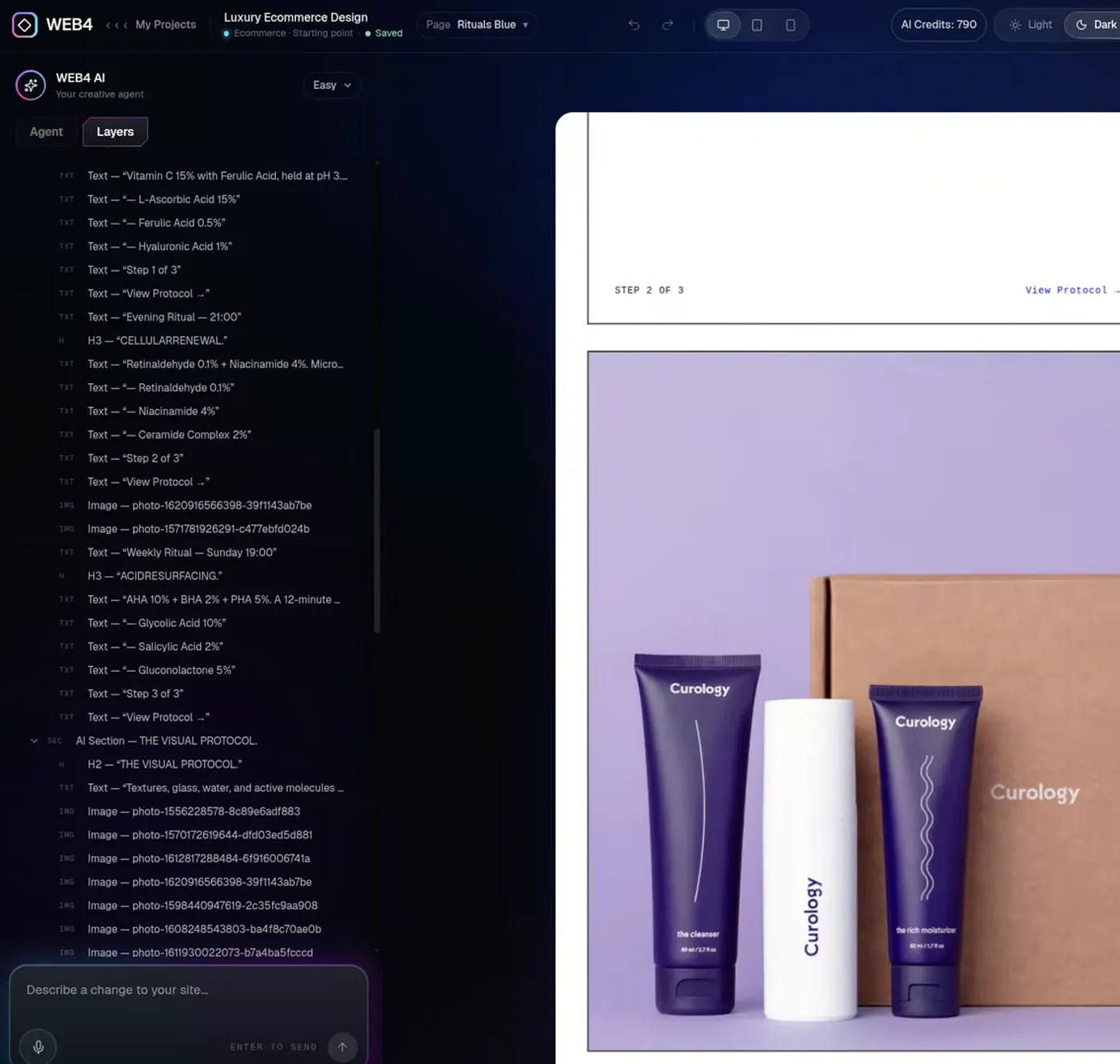
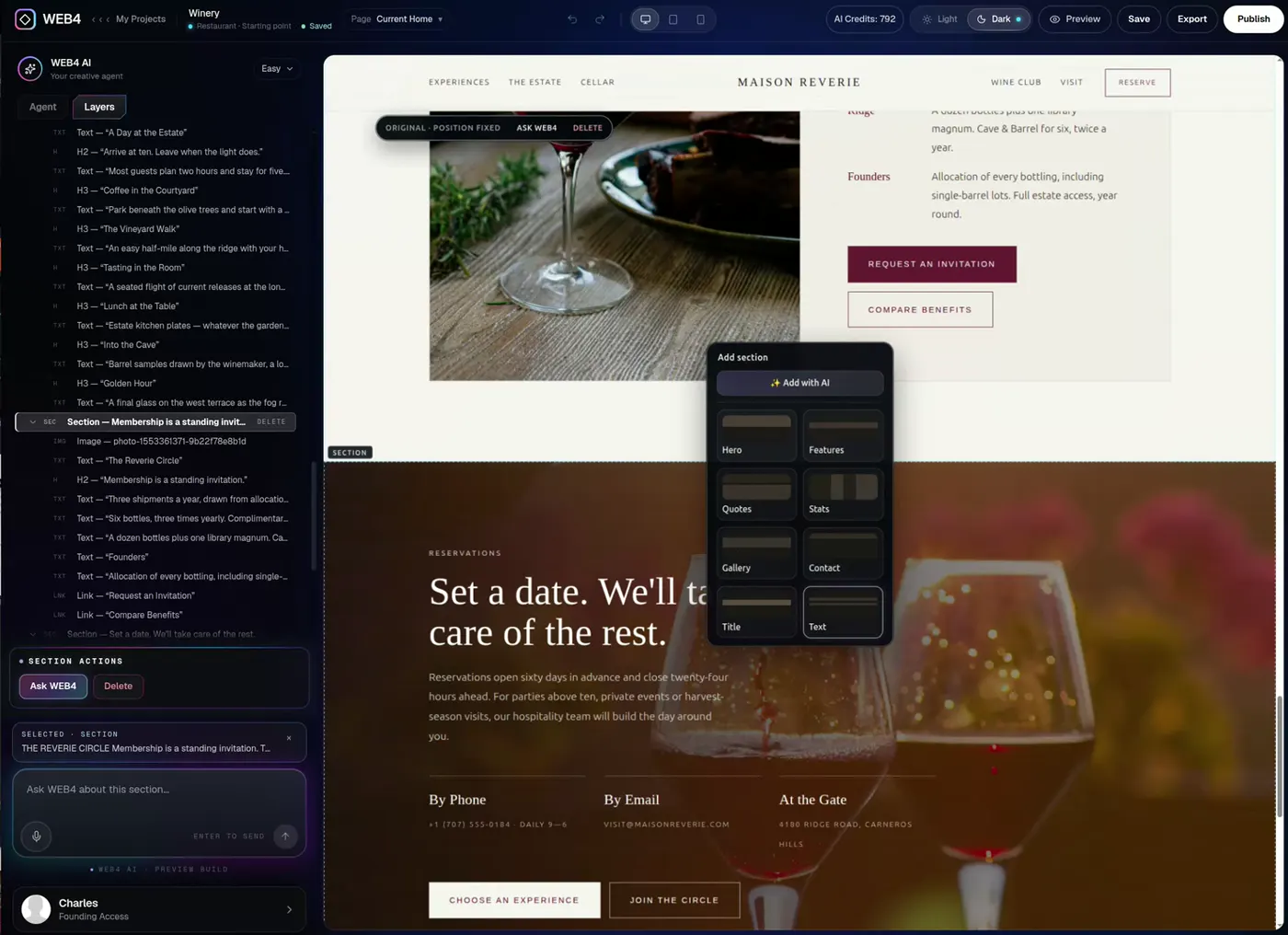
WEB4 isn’t a generate-and-throw-away tool. It’s a real editor. Pick any element from the canvas or the Layers tree, edit it directly — or hand it to AI.

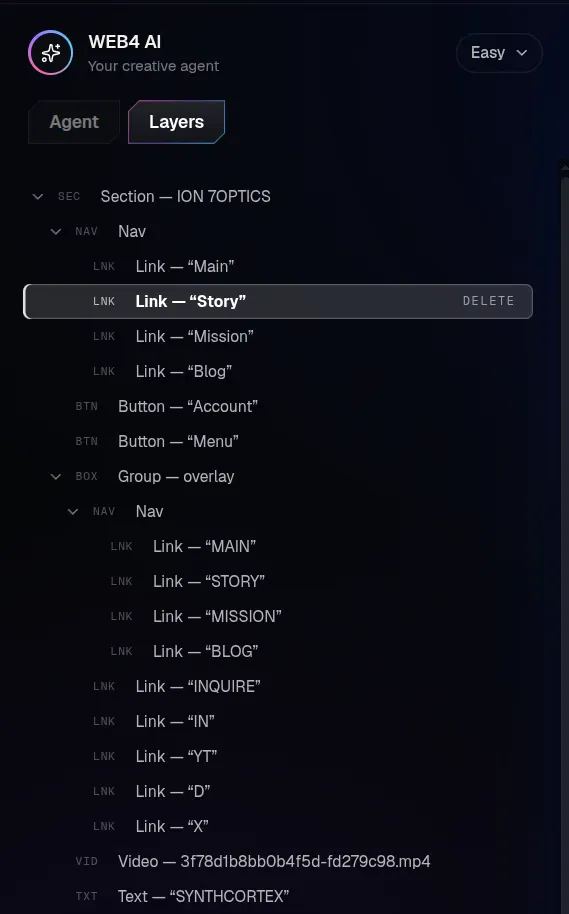
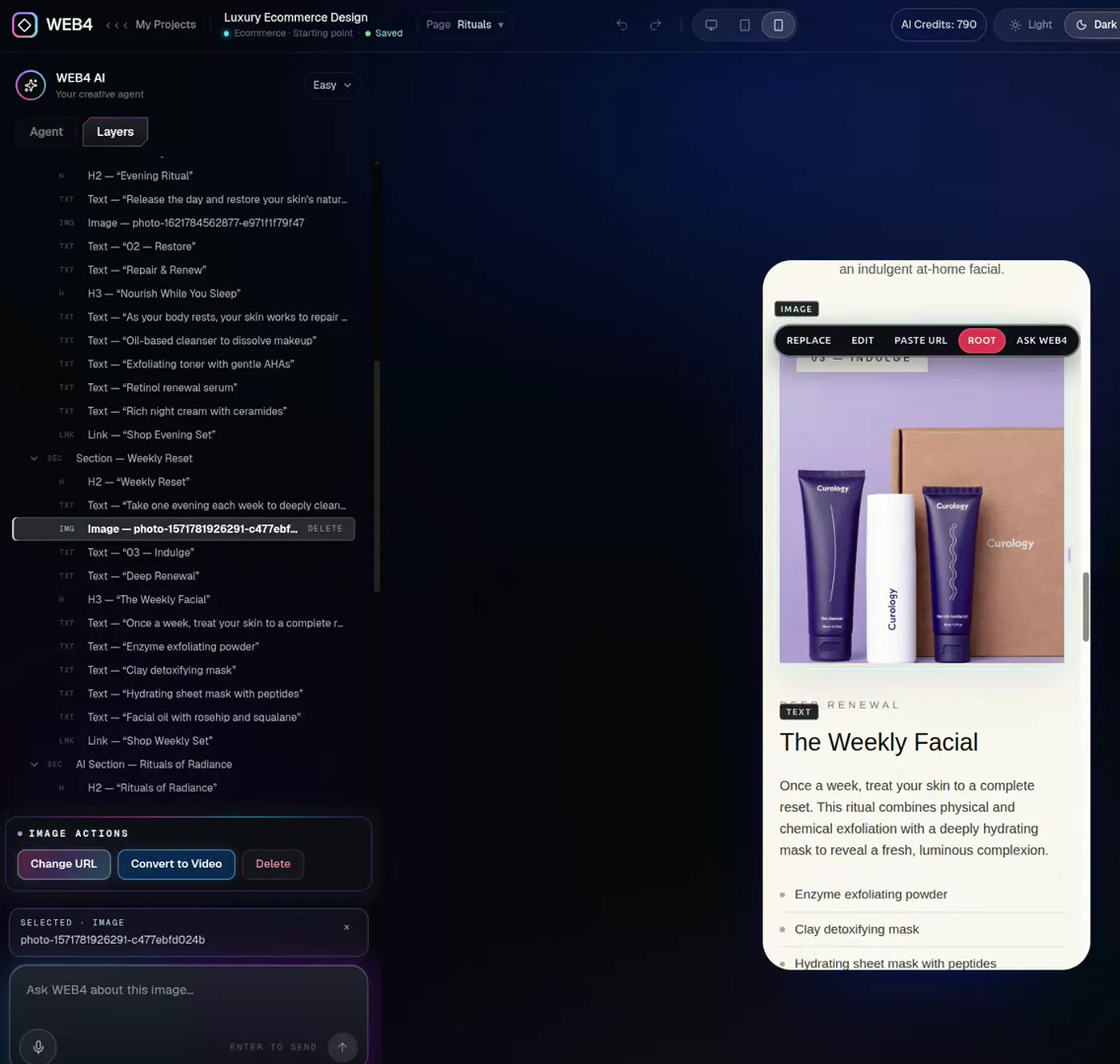
Selecting elements from the WEB4 Layers inspector
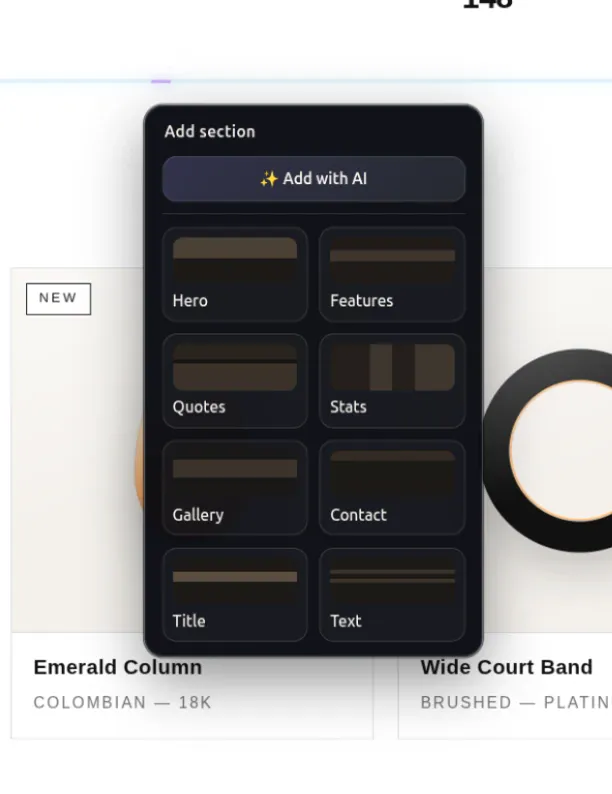
Layers treeInline text toolbarImage actionsAdd a section menu
  • Layers inspector

    Every element in one tree. Click it, select it, edit it.

  • Inline text

    Type straight onto the page. Format in place.

  • Reorder sections

    Move up, move down, delete — in a click.

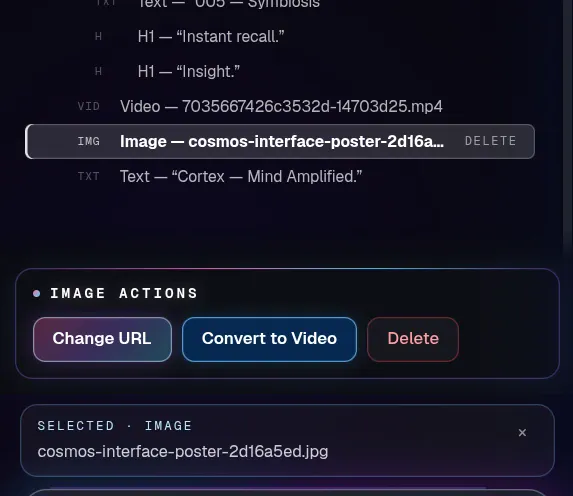
  • Swap any image

    Change the URL, replace it, or ask AI.

Moving a section up and down, then deleting it
Move a section up, down — or delete it
Changing an image URL on a live site
Paste a new image URL — it swaps live
Build your site

Direct editing never spends an AI credit. See WEB4 as web design software.

03Motion

Turn a still into a film. 

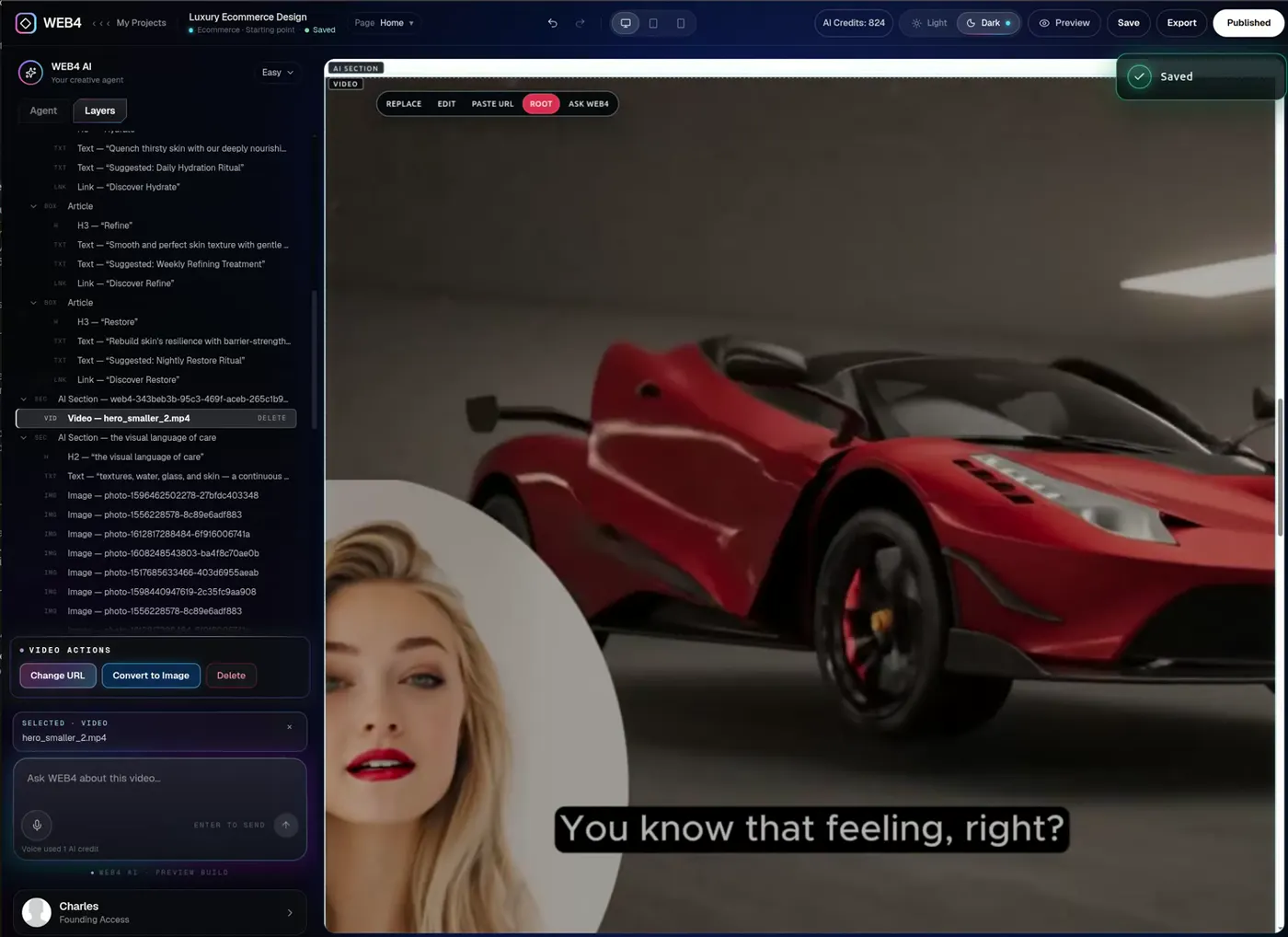
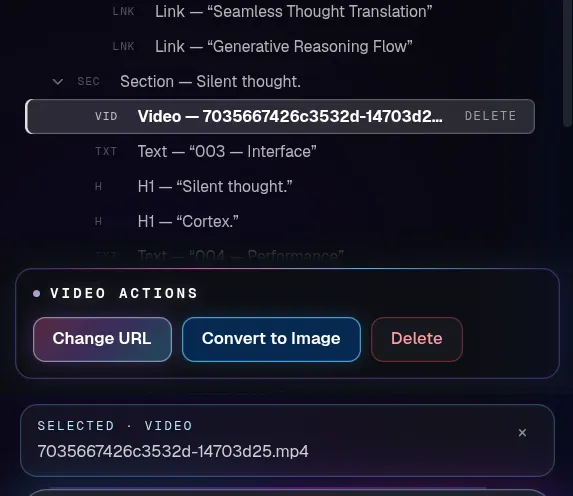
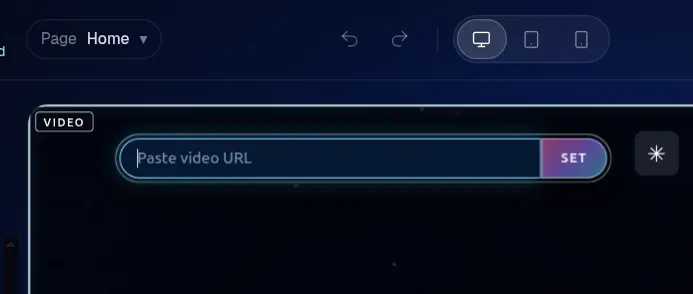
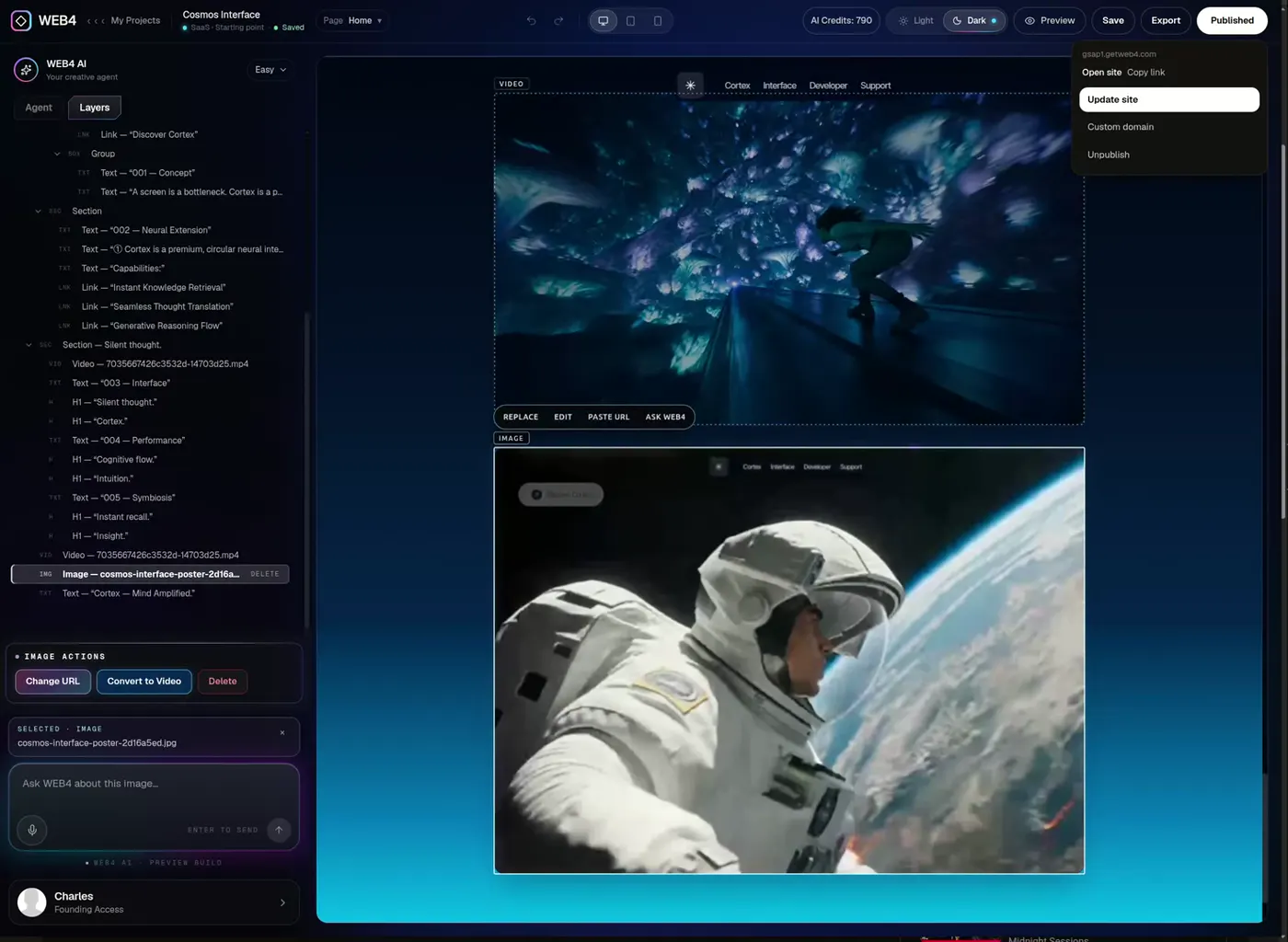
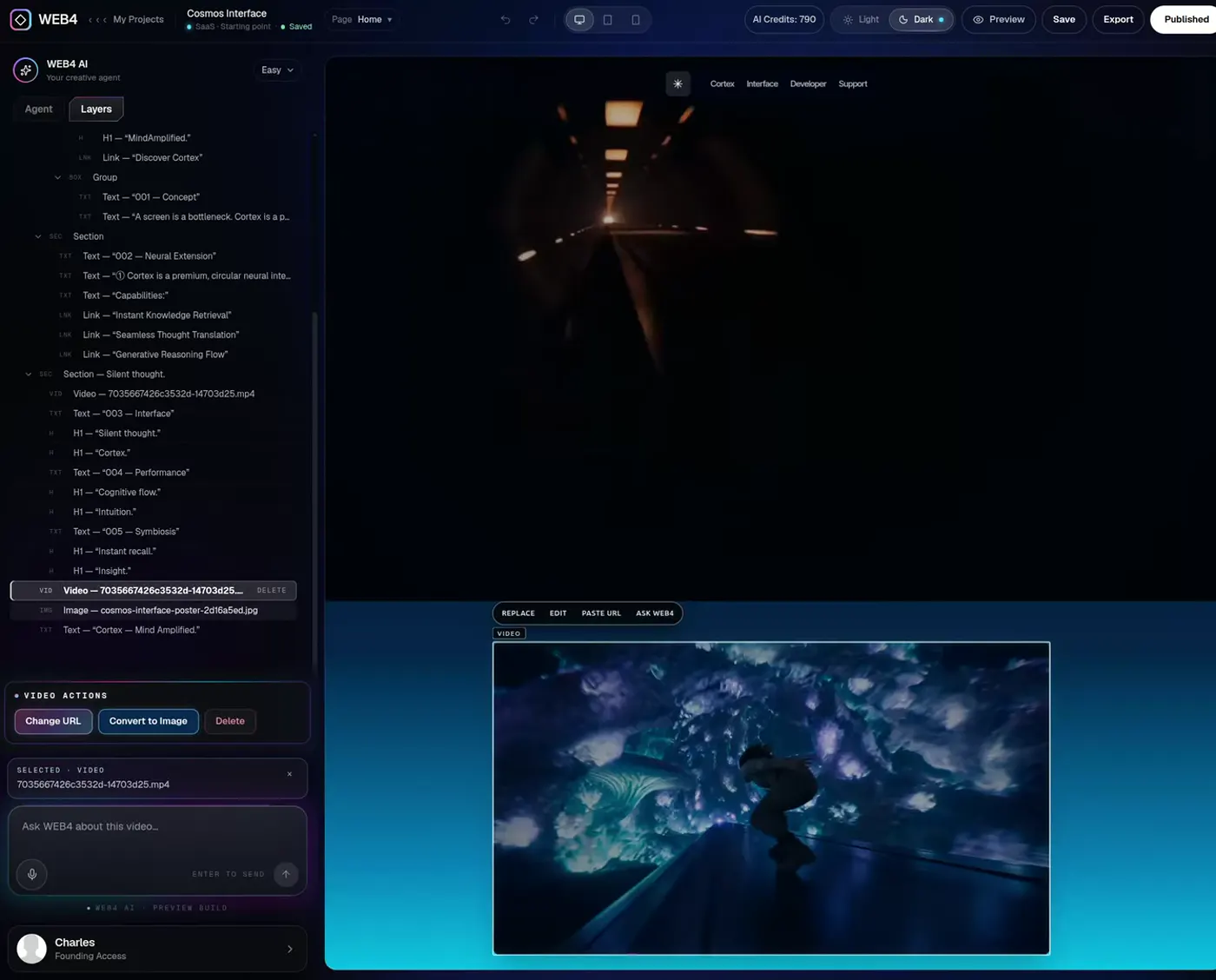
Select any image, hit Convert to Video, and it becomes a looping clip — in place. Or paste a video URL. Want it still again? Convert it back.

ImageVideo
Converting an image to a video inside WEB4

Websites that actually move. 

Scroll-driven GSAP animation, cinematic video heroes, interactive galleries. Built and edited in WEB4 — not in a template store.

Cosmos Interface — built in WEB4
Cosmos InterfaceSeedance video hero
Editorial Eyewear — built in WEB4
Editorial EyewearScroll-animated with GSAP
Cognitive Flow — built in WEB4
Cognitive FlowCinematic scroll sequence

04Creation

Not one page. A whole website. 

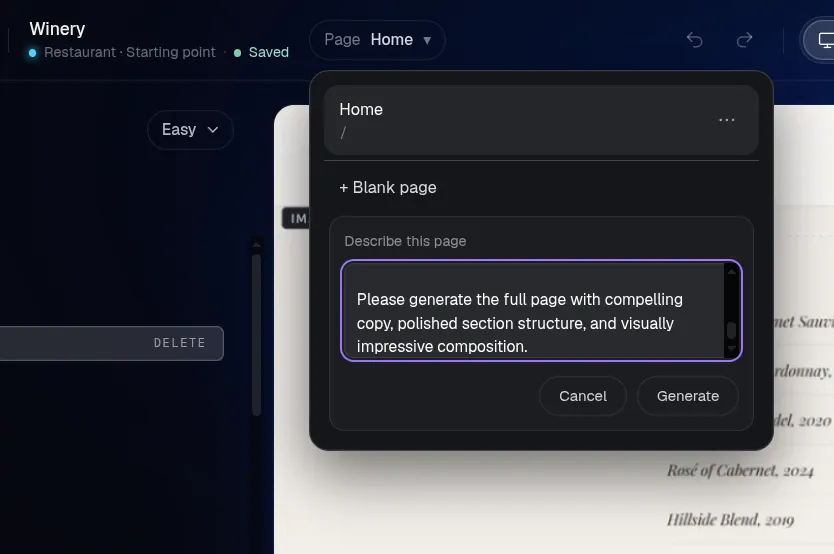
Describe a page and WEB4 builds it, links it into your navigation, and keeps every page inside one project. Preview on desktop, tablet and phone before you publish.

  1. Describe the page

    01

    Describe the page

    Say what it should do and how it should feel.

  2. Watch it generate

    02

    Watch it generate

    Layout, copy and imagery, matched to your design.

  3. Link it in

    03

    Link it in

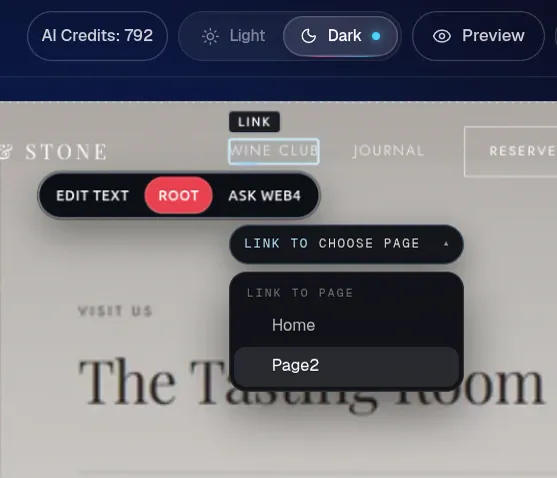
    Point any button or menu item at the new page.

AI-generated winery website, edited inline

A winery site generated and edited in WEB4

Check every screen. 

Flip between desktop, tablet and phone while you edit. What you see is what your visitors get.

Phone preview inside the WEB4 editor
Second phone preview

05Breadth

Real websites. Not mockups. 

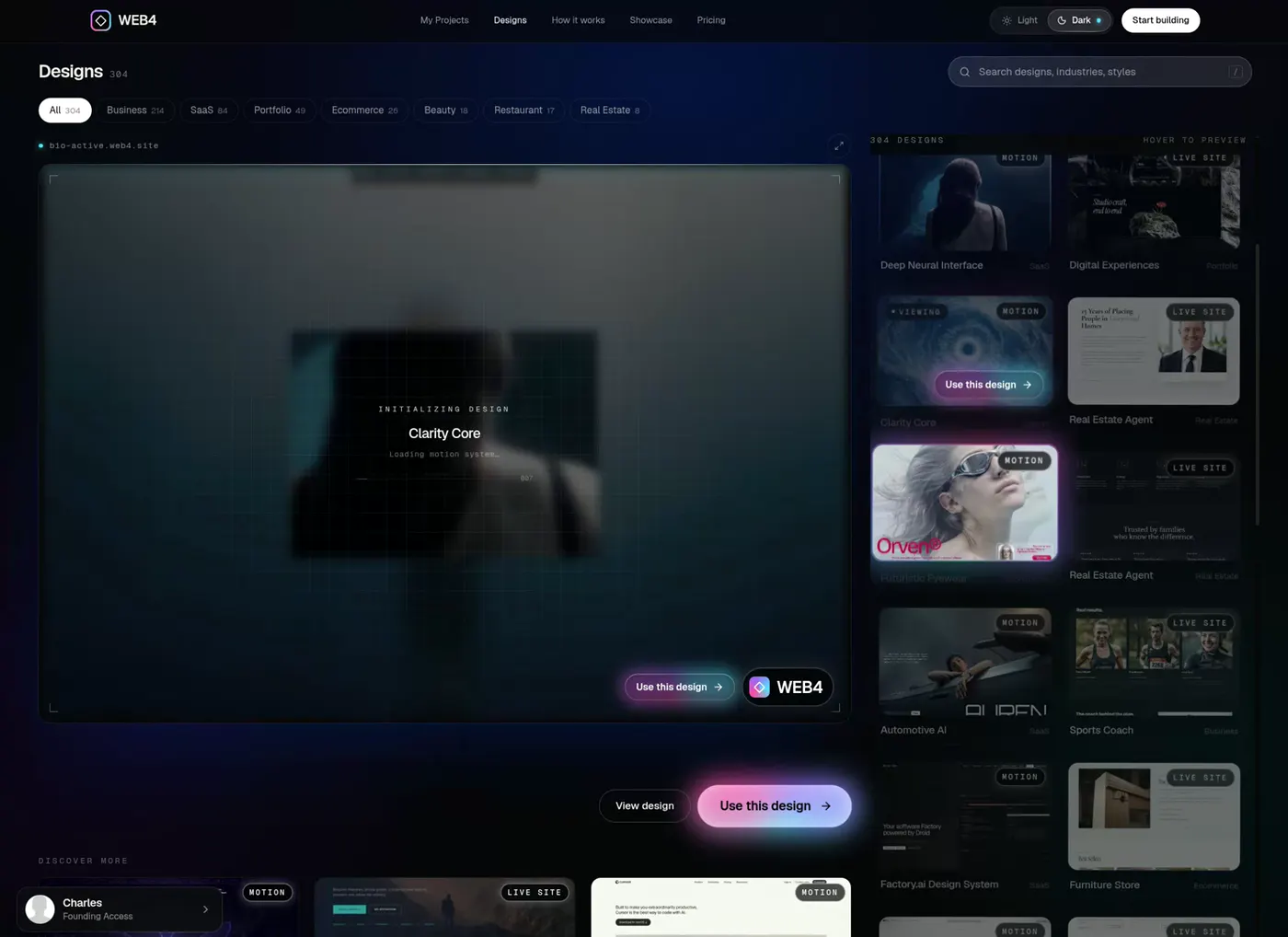
Every design is a finished, fully editable site — from cinematic studios to clinics to SaaS. Pick one and make it yours.

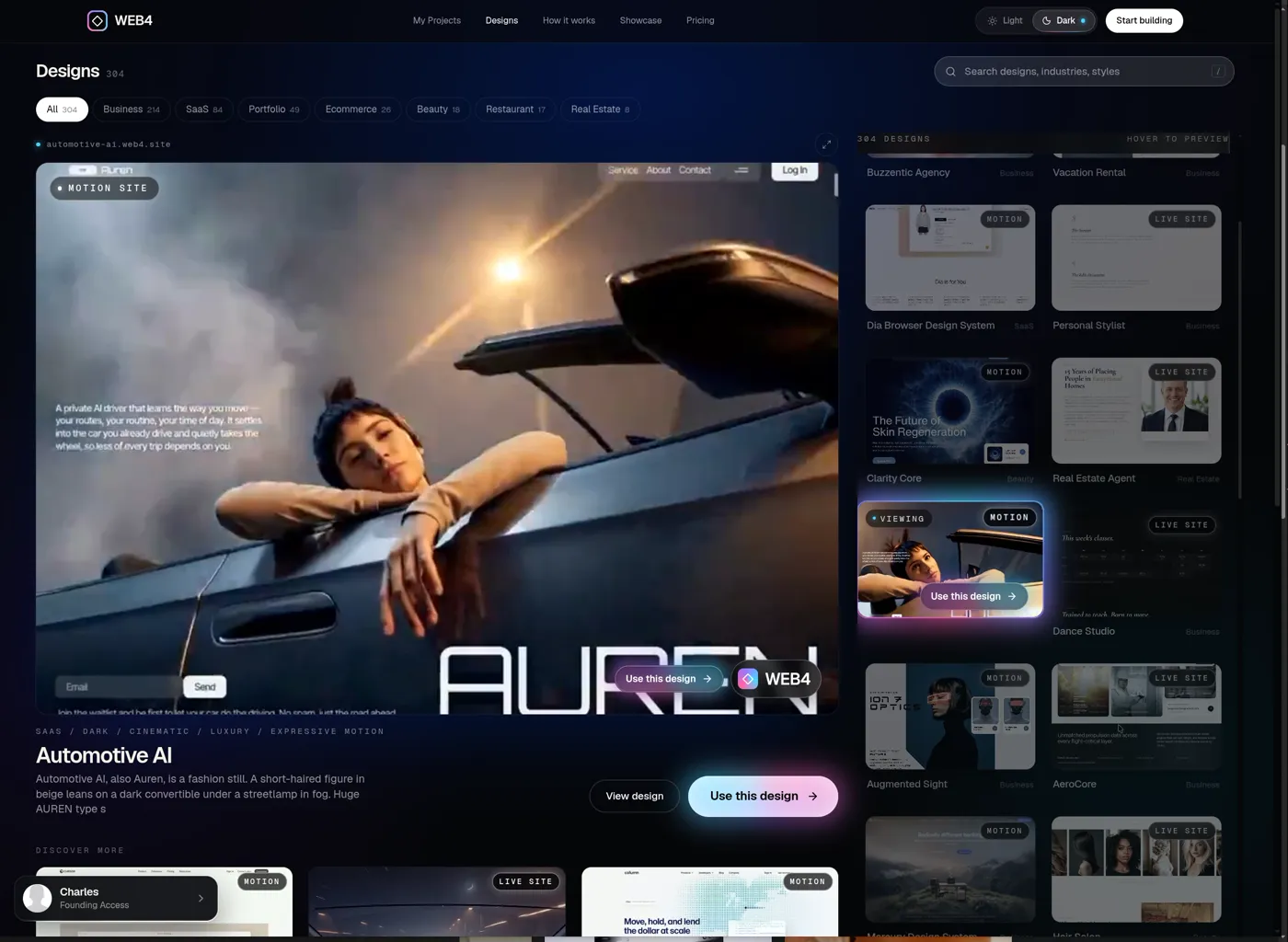
Browsing the WEB4 designs library
Automotive AI design in the WEB4 designs browser
Automotive AISaaS · Motion
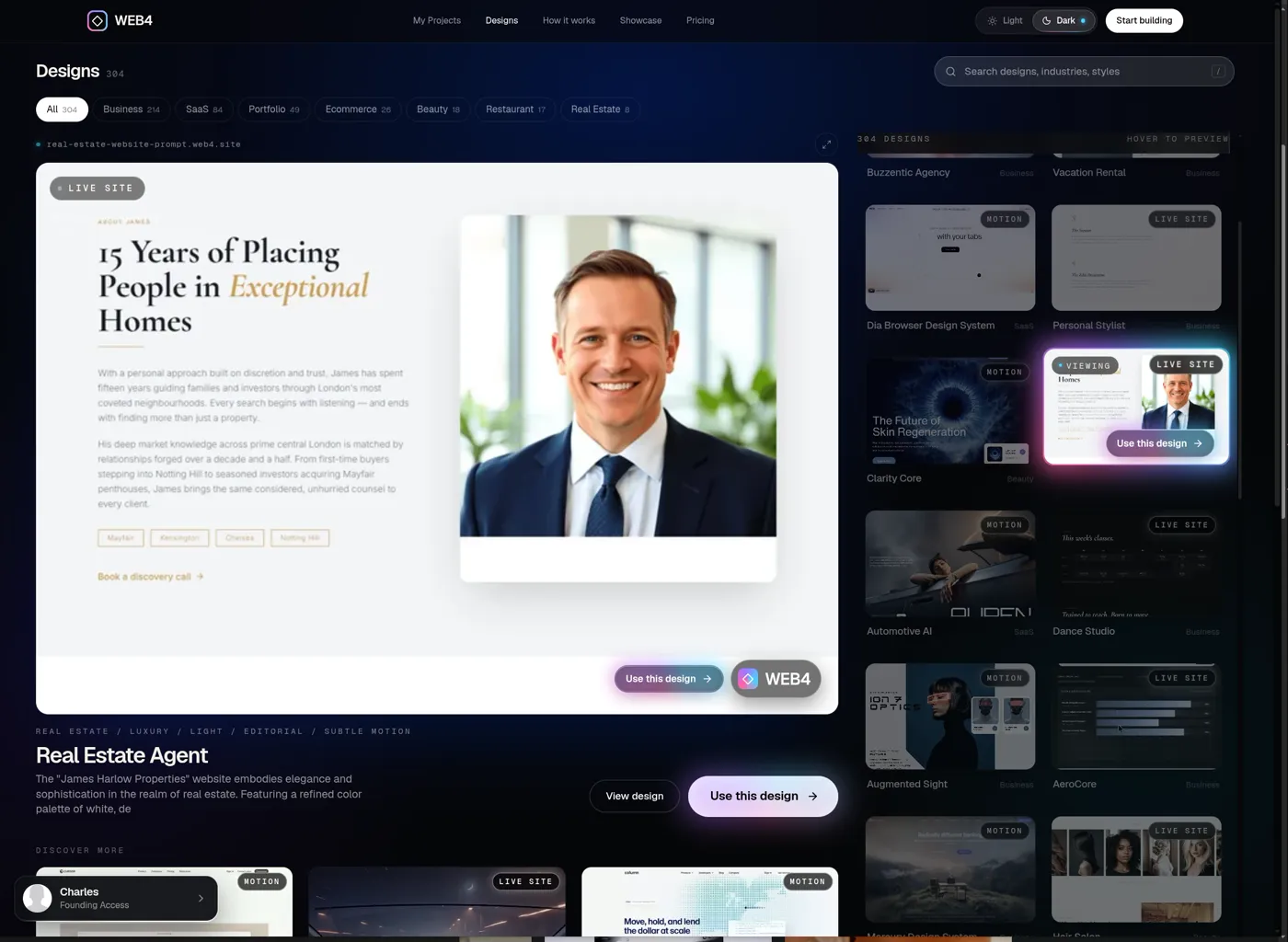
Real Estate Agent design in the WEB4 designs browser
Real Estate AgentBusiness · Live site
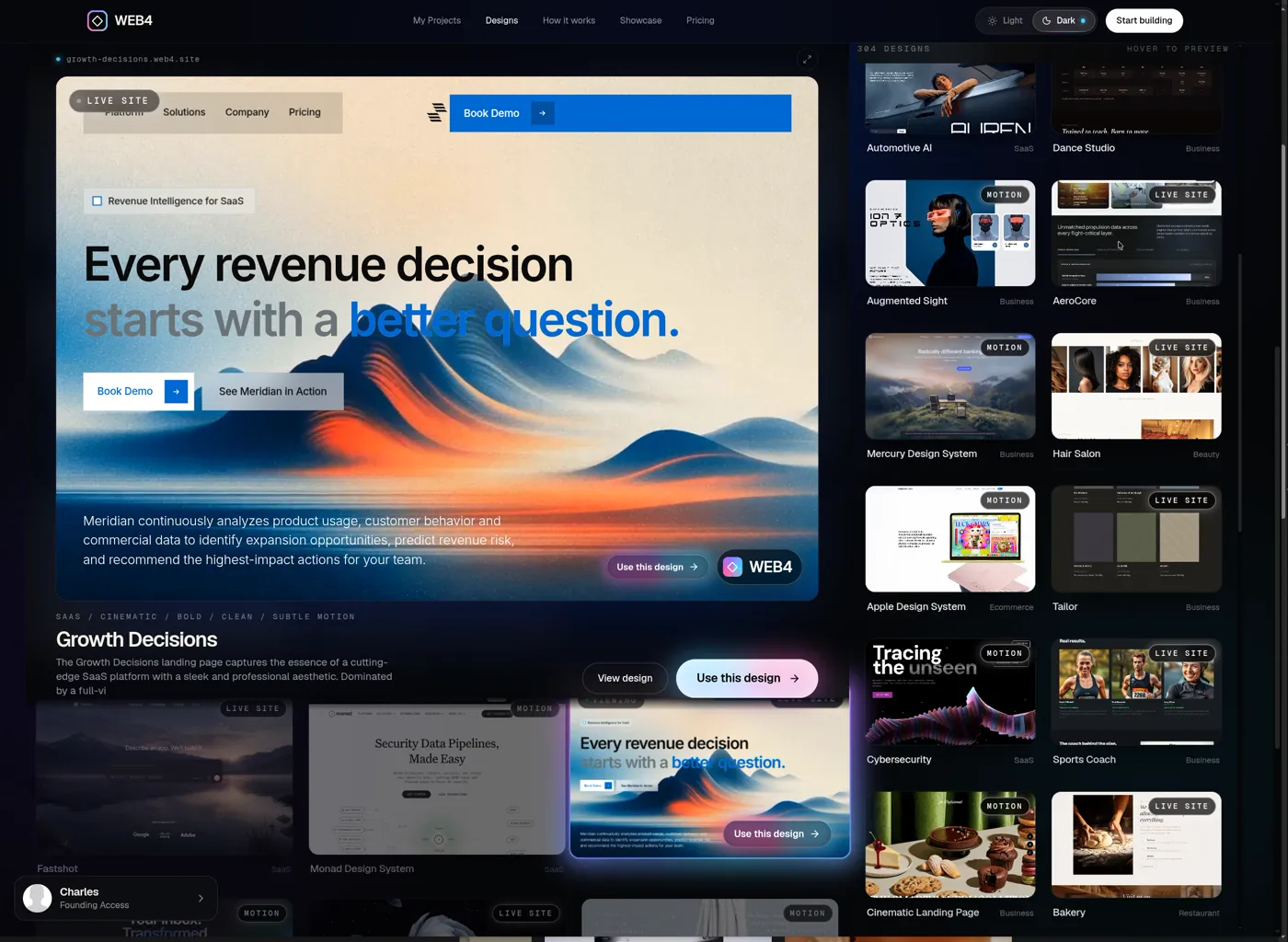
Growth Decisions design in the WEB4 designs browser
Growth DecisionsSaaS · Cinematic
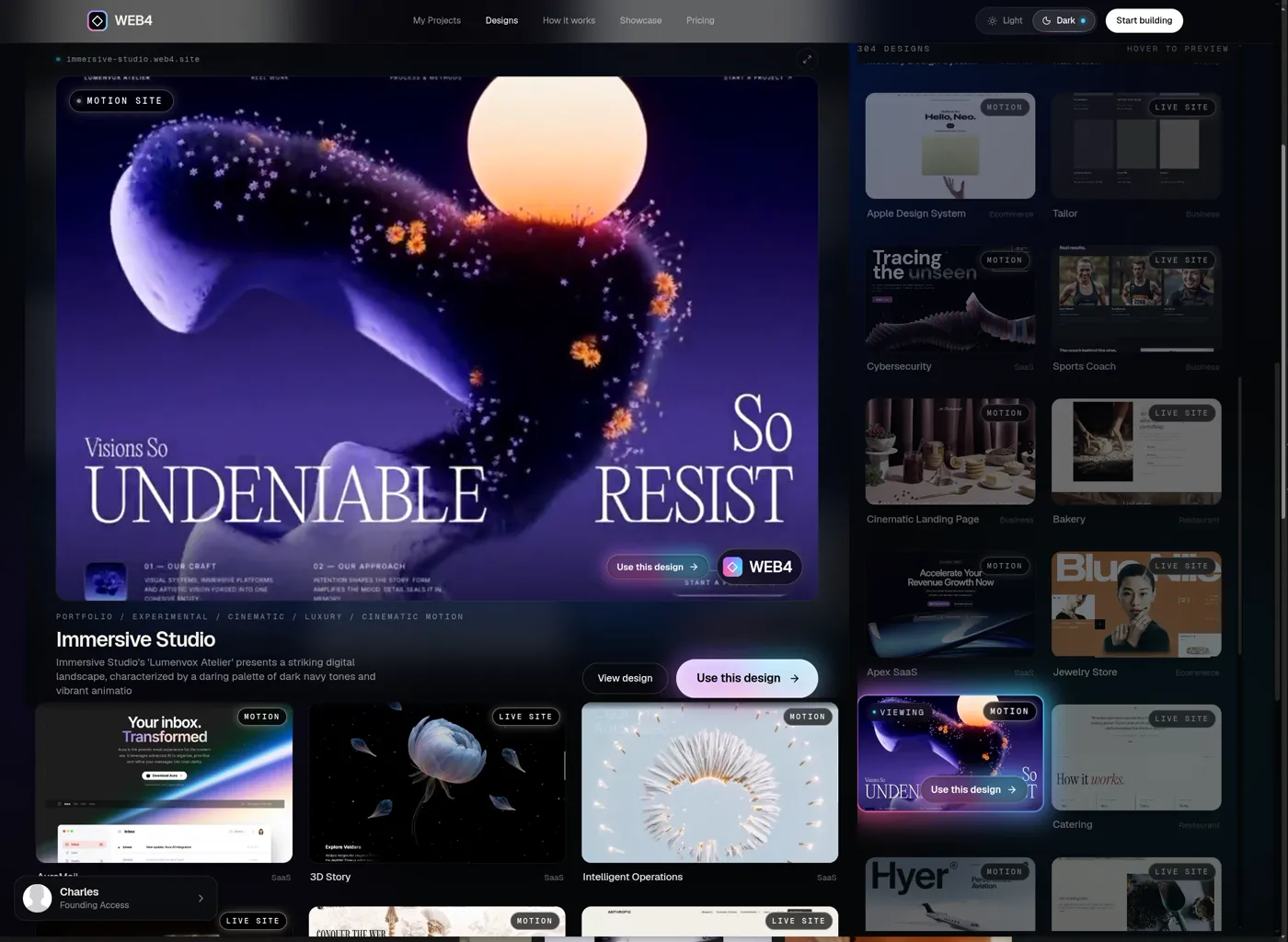
Immersive Studio design in the WEB4 designs browser
Immersive StudioPortfolio · Experimental
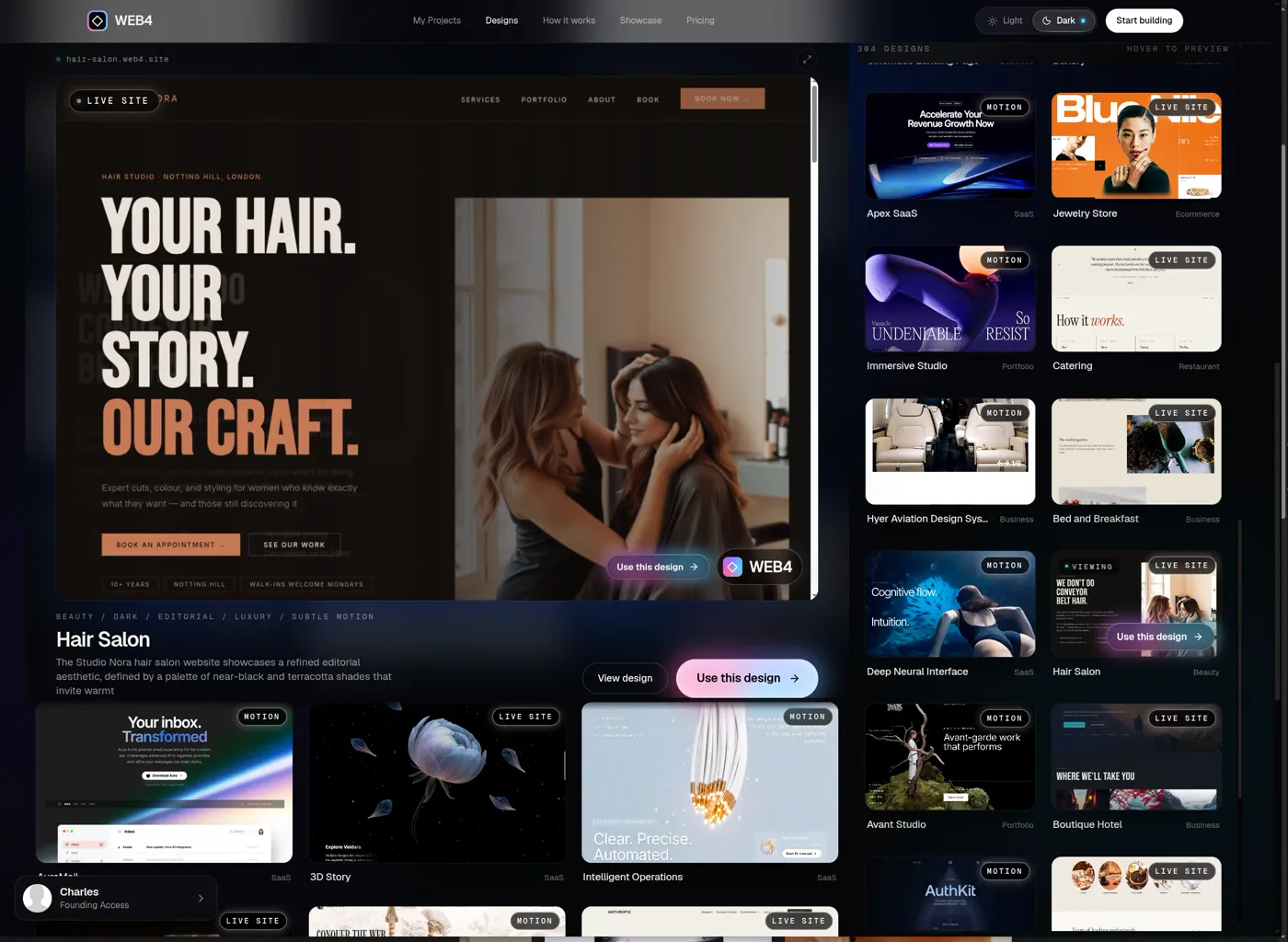
Hair Salon design in the WEB4 designs browser
Hair SalonBeauty · Editorial
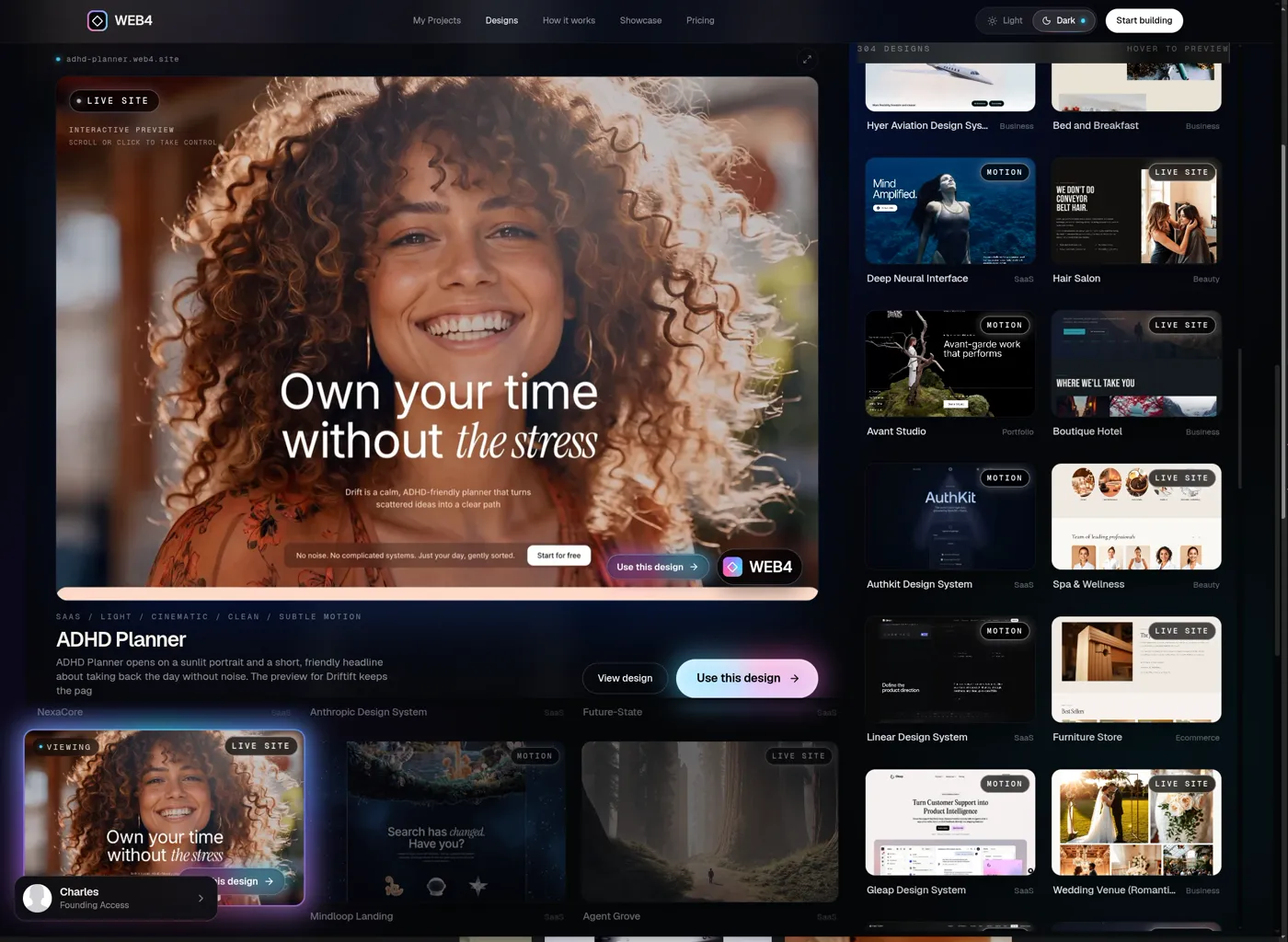
ADHD Planner design in the WEB4 designs browser
ADHD PlannerSaaS · Light
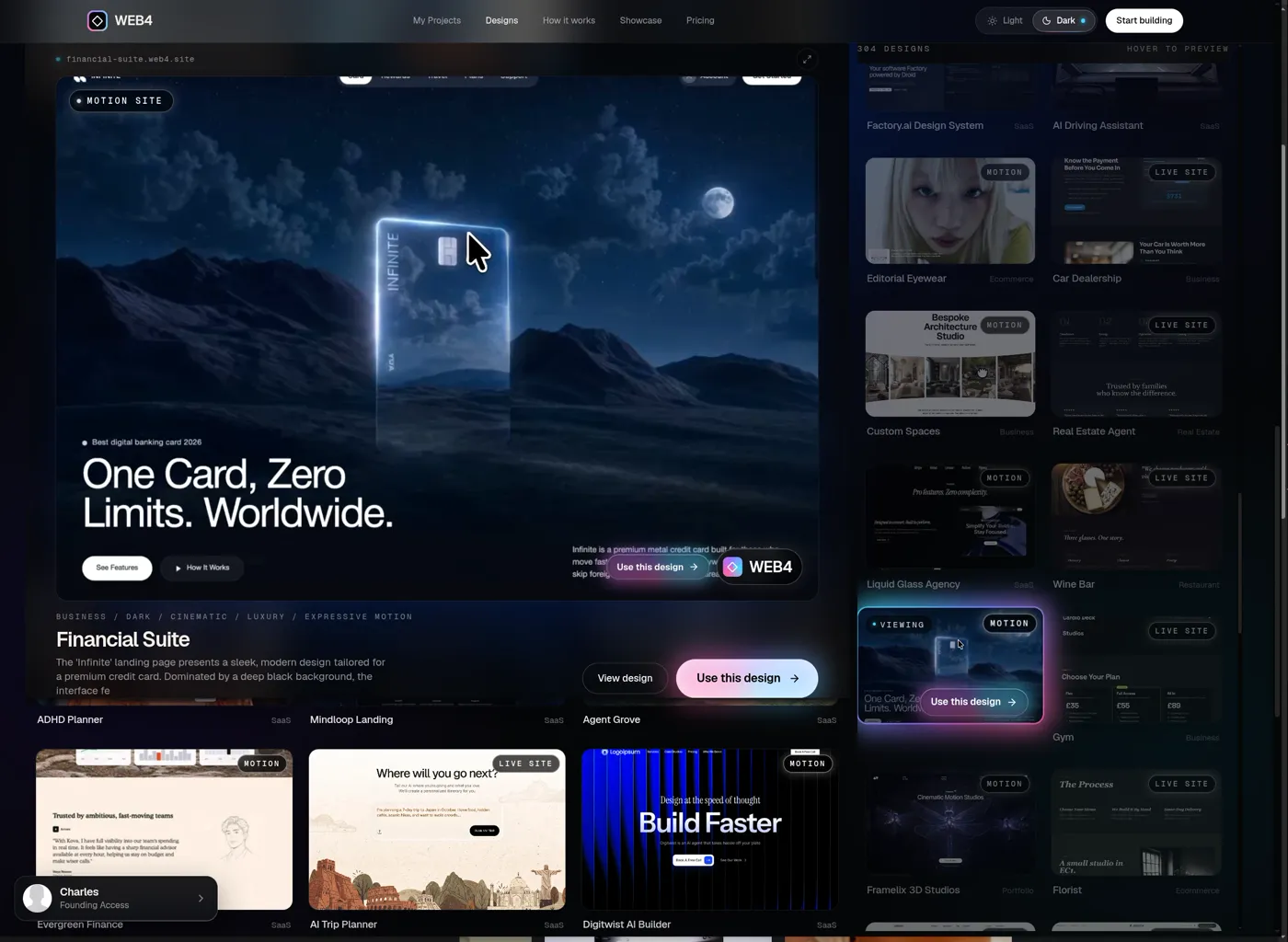
Financial Suite design in the WEB4 designs browser
Financial SuiteBusiness · Dark
Pick your design

500+ designs included with Founding Access.

06Ownership

Publish it. Export it. Keep it. 

Save and reopen anytime — every section, animation and edit is still there. Go live in a click, connect your own domain, or take clean HTML/PHP files anywhere.

yourbrand.getweb4.com
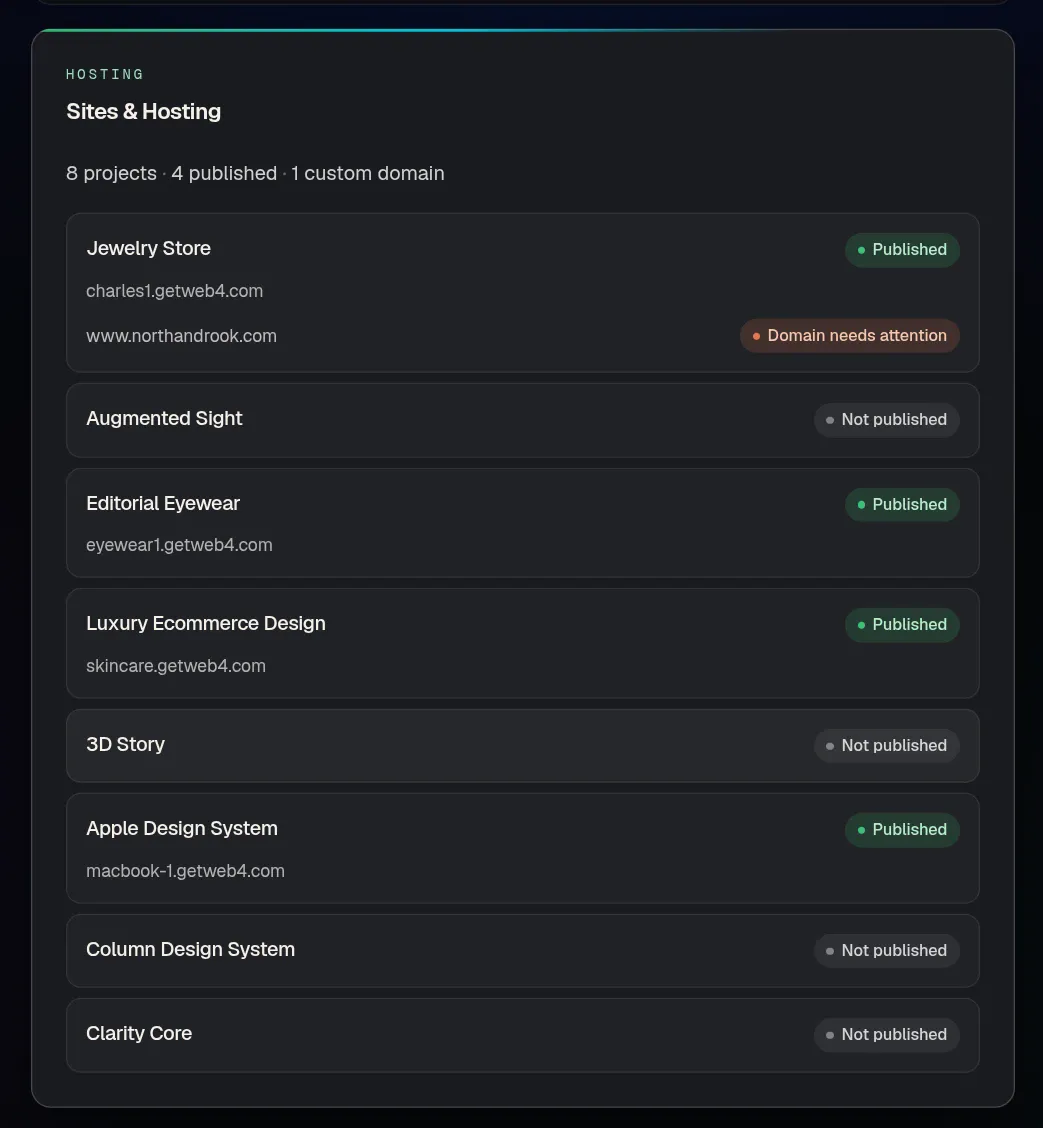
Publishing a WEB4 site and viewing it live
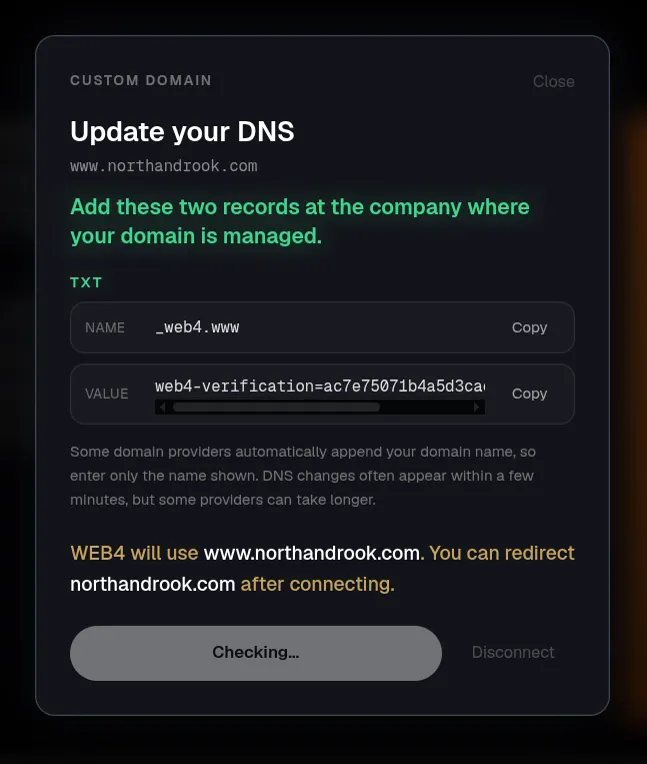
Connecting a custom domain
Save & reopen
Your sections, animations, images and edits persist — exactly as you left them.
Publish in a click
Live on a WEB4 URL, or your own custom domain with free step-by-step DNS help.
Export HTML / PHP
Take your files to any host. No lock-in — your projects stay yours.

Hosting is optional. WEB4 Cloud is $12/month — first month included.

07Launch pricing

Unbeatable features. One-time price. 

No monthly software fee. Pay once, build unlimited sites, and add hosting only if you want it.

Founding Access · Available now

$49one-time

1,000 WEB4 AI credits included

Credits never expire. Buy more only when you need them.

One-time payment with optional hosting at $12/month, first month included. Additional AI credits are sold separately.

Use the editor on a supported tablet, laptop or desktop. Curious how the AI works? Read the AI website builder guide.

  • Unlimited website creation
  • Unlimited saved projects
  • Edit with WEB4 AI — sections, copy, images, pages
  • Layers inspector and direct element editing
  • Publish to live WEB4 URLs
  • Connect your own custom domain
  • Export clean HTML / PHP anytime

Pro Access · Coming soon

$99one-time

  • Advanced AI workflows
  • Higher usage limits
  • Priority access to new capabilities

Not yet available to purchase. Founding Access is the way in today — at $49.

A few things before you start.

Straight answers about editing, credits and publishing.

$49 is the one-time Founding Access payment. It includes 1,000 WEB4 AI credits that never expire. Additional AI credits are sold separately. Hosting is optional: WEB4 Cloud is $12/month, with the first month included.

Stop building websites. 
Start talking to them.

Pick a design. Tell WEB4 what to change. Publish it. $49 once — unlimited sites, 1,000 AI credits that never expire.

Start building — $49

One-time payment · optional hosting $12/mo · Pro Access ($99) coming soon